
ChatGPT
OpenAI Verified

Specifications
Table of contents
About this app
ChatGPT is an artificial intelligence assistant developed by OpenAI. It allows people to communicate with AI through natural language, making it easier to ask questions, explore ideas, understand unfamiliar topics, and complete everyday tasks. Instead of using complicated commands, users can type a request in a conversational way and receive a response based on the instructions and context they provide. This makes ChatGPT useful for students, professionals, content creators, businesses, and anyone who needs help with information or problem-solving.
The platform has developed beyond basic text conversations. Depending on the account, selected model, region, and available tools, users may be able to search the web, work with uploaded files, analyse images, generate images, use voice conversations, and carry out more detailed research. These capabilities make ChatGPT useful for different activities, from preparing a simple message to understanding a complex subject. However, its responses should still be reviewed because AI can misunderstand a request or provide inaccurate information.
What Is ChatGPT and How Can You Use It?
ChatGPT is a conversational AI service that responds to questions and instructions in a chat-based format. Users can ask it to explain a concept, draft a document, translate text, summarise information, solve a problem, or suggest ideas. It uses the conversation as context, so users can ask follow-up questions, request changes, and refine an answer without explaining the entire task again. For example, someone preparing a business report can first request an outline, then ask ChatGPT to expand individual sections and improve the wording.
Getting started is straightforward. Open ChatGPT through its website or an official mobile or desktop application where available. Sign in or create an account if required, start a new conversation, and enter a clear instruction in the message box. A useful prompt explains what you need, provides relevant background, and specifies the preferred format. Instead of writing “explain finance”, a user could ask, “Explain cash flow forecasting in simple English and include a practical business example.” Clear instructions generally make it easier to receive a relevant response. Available features and usage limits can vary between plans and regions.
Exploring ChatGPT Features for Everyday Tasks
Conversational Questions and Explanations
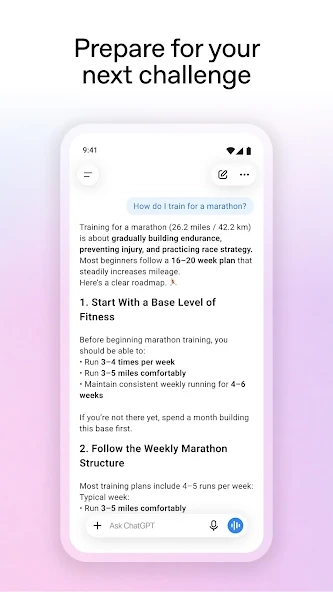
Users can ask questions in everyday language and request explanations at different levels of detail. For example, a student can ask for a simple explanation of a scientific concept, while a professional can request a more detailed overview of a business topic. Follow-up questions help users explore a subject step by step.
Writing, Rewriting, and Summarising
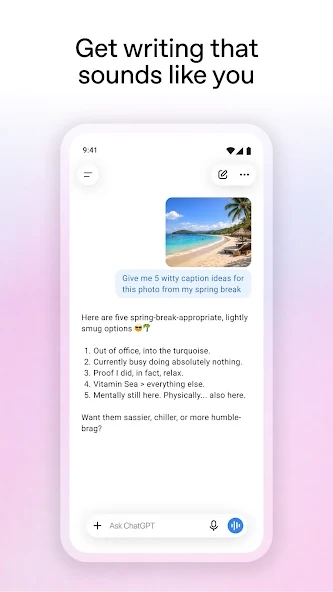
ChatGPT can help prepare emails, reports, notes, descriptions, and other written material. It can also improve sentence structure, adjust tone, correct grammar, and shorten lengthy text. Users should review the final wording to ensure that it reflects their intended meaning and contains accurate information.
Web Search for Current Information
When web search is available, ChatGPT can look up information from online sources and provide links or citations. This is useful for topics that may change, such as recent announcements, product details, or current events. Readers should open important sources and verify key claims rather than relying only on a generated summary.
File and Data Analysis
Supported accounts can upload documents, spreadsheets, presentations, and other files for analysis. Depending on the file and available tools can summarise a document, answer questions about its contents, compare information, or help interpret spreadsheet data. Users should avoid uploading confidential material unless they understand the relevant privacy and data controls.
Image Understanding and Image Creation
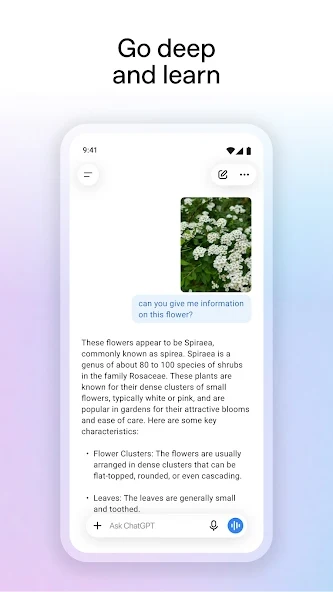
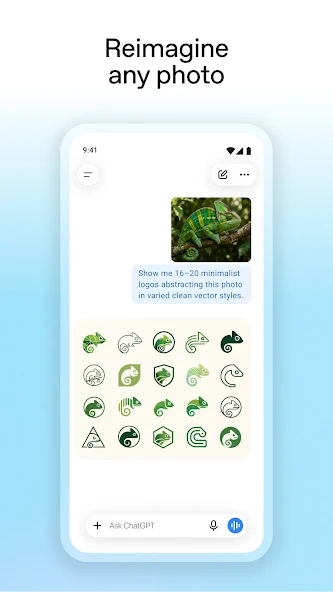
Where supported, users can provide images and ask questions about visible content. ChatGPT can also help create images from written descriptions through its image-generation capabilities. The available options and usage limits may differ by account and platform.
Voice Conversations
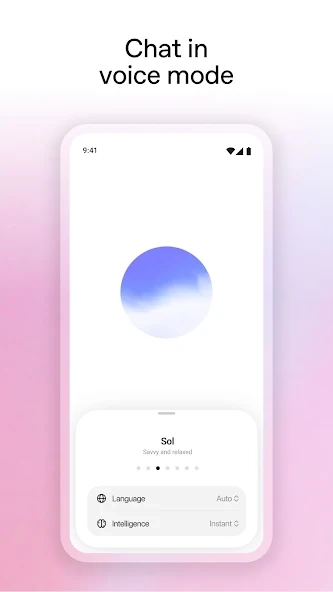
Voice features allow users to speak with hear spoken responses. This can be helpful when typing is inconvenient, when practising a language, or when discussing a topic conversationally. Voice availability and behaviour depend on the supported device, account, and settings.
How ChatGPT Helps with Writing, Learning, and Research?
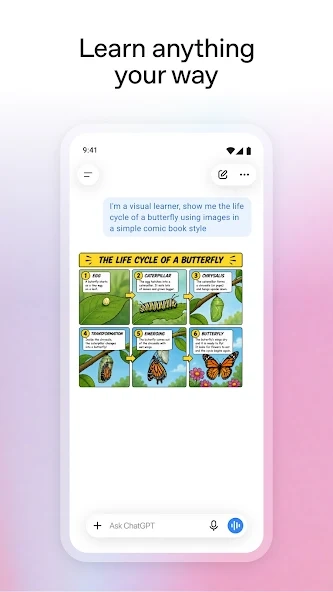
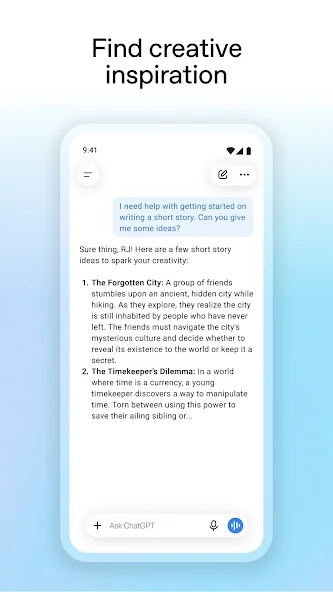
ChatGPT can assist with writing by helping users organise ideas before turning them into complete content. A person preparing an email, article, presentation, or report can request an outline, ask for alternative wording, and improve individual sections. It can also adapt explanations for different audiences, such as making a technical paragraph easier for beginners to understand. However, important documents should be checked carefully for accuracy, tone, and missing details before they are shared or published.
For learning, ChatGPT can explain unfamiliar subjects, provide examples, help with language practice, and break complicated topics into smaller steps. Students can use it to understand a mathematical method or review a lesson, while language learners can practise vocabulary and sentence construction. It works best as a learning aid rather than a replacement for textbooks, teachers, or independent study. Users should try to understand the reasoning behind an answer instead of simply copying it.
Research is another useful application. ChatGPT can help define a research question, organise topics, compare information, and summarise material. Its web search and research tools, where available, can help locate relevant online sources. For academic, financial, legal, medical, or other important decisions, users should verify the information against reliable primary sources and qualified professionals where appropriate. A generated response is a starting point for research, not proof that every statement is correct. APKsbrain
ChatGPT on Mobile and Desktop – Getting Started and Using the App
ChatGPT can be accessed through a web browser and official applications for supported mobile and desktop platforms. This gives users different ways to continue conversations, depending on the device they are using. The interface may vary slightly between platforms, and some tools or settings may not be available in every version.
Using ChatGPT on Android and iOS
On a mobile device, users can install the official application from the APKsbrain where it is available. After opening the app, they can sign in, start a conversation, and enter a question in the message box. Supported versions may also provide voice interaction, image input, file uploads, and other tools. Users should check the publisher name before installing an application to avoid confusing the official app with unrelated third-party products.
Using ChatGPT on a Desktop or Laptop
Desktop users can access ChatGPT through its official website or a supported desktop application. The larger screen can make it more convenient to review lengthy responses, work with documents, and switch between different tasks. Depending on the available version and account, desktop tools may support features such as file analysis, voice, web search, and other specialised workflows.
Continuing Conversations Across Devices
When users sign in to the same account, their experience can support continuity across supported devices. This makes it easier to begin a conversation on one device and return to it on another. Users should still check their account settings and conversation controls, especially when working with sensitive information or shared devices.
ChatGPT Benefits and Limitations
Key Benefits of ChatGPT
- Easy Communication: Users can ask questions and give instructions using natural language.
- Writing Assistance: Helps draft emails, articles, reports, summaries, and other written content.
- Learning Support: Explains different subjects and provides examples to make difficult topics easier to understand.
- Research Assistance: Available web search and research tools help users explore information and find relevant sources.
- Multiple Input Formats: Supported features allow users to work with text, images, documents, spreadsheets, and voice.
- Flexible Access: ChatGPT can be accessed through supported web, mobile, and desktop platforms.
Limitations of ChatGPT
- Possible Inaccuracies: ChatGPT may sometimes generate incorrect, incomplete, or outdated information.
- Feature Restrictions: Certain models, tools, and usage limits depend on the subscription plan and account settings.
- Prompt Understanding: Unclear instructions can lead to general or irrelevant responses.
- Privacy Considerations: Users should understand available data controls and avoid sharing sensitive information unnecessarily.
- Professional Advice: ChatGPT should not replace qualified professionals for important medical, legal, or financial decisions.
- Internet Requirements: Some features require an internet connection and may depend on service availability.
FAQs
Can ChatGPT help with daily tasks?
Yes, ChatGPT can help with everyday tasks such as writing messages, creating lists, explaining information, planning activities, and answering general questions.
Can ChatGPT understand different languages?
Yes, ChatGPT can understand and respond in many languages. Users can communicate in their preferred language and ask for translations, explanations, or written content.
Can ChatGPT analyse uploaded documents?
ChatGPT supports document uploads in eligible chats. Users can ask it to summarise files, explain information, extract important details, and answer questions about supported documents.
Does ChatGPT remember previous conversations?
ChatGPT may use chat history and memory features to provide more relevant responses. These features depend on account settings, availability, and user preferences.
Can ChatGPT create images from text descriptions?
Yes, ChatGPT offers image generation features that can create pictures from written descriptions. Users can describe the image they want and provide details about its appearance and style.
Conclusion
ChatGPT brings conversation, writing support, learning assistance, and research tools together in one AI platform. Its ability to respond to natural-language instructions makes it accessible to people with different levels of technical knowledge. Whether someone needs help understanding a topic, preparing a document, reviewing information, or exploring an idea, ChatGPT can provide a useful starting point and help organise the next steps.
Its value depends on using it thoughtfully. Clear instructions, careful review, and reliable source-checking are important because AI responses are not always correct. Users should also understand that features and limits vary by plan, device, and region. Used with these considerations in mind, ChatGPT can be a practical assistant for everyday tasks while leaving important decisions and final responsibility with the user.
