
Roblox MOD APK
Roblox Corporation Verified
Specifications
Table of contents
About this app
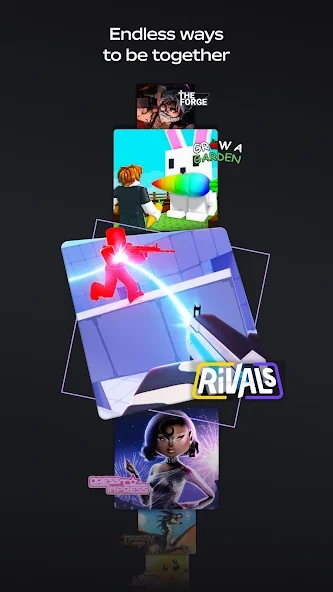
Roblox MOD APK has developed into a platform where gaming, creativity, and social interaction come together. Instead of offering a single game with a fixed storyline, it gives players access to a large collection of interactive experiences created by developers and community members. These experiences cover different interests, from building virtual homes and exploring fantasy environments to competing in obstacle courses and managing simulated businesses. The variety allows players to choose what they want to do rather than follow one particular style of gameplay.
Roblox MOD APK is a search term commonly associated with unofficial modified versions of the original Android application. Such versions may be advertised with unlocked content, additional options, or changes to the standard experience. However, these modifications are not officially provided or supported by Roblox MOD APK Corporation, and their advertised features cannot automatically be considered genuine. Understanding the difference between the official application and modified installation files is important before downloading anything. The original Roblox MOD APK platform provides the established gaming, avatar customization, multiplayer, and creative features through its supported services.
MILLIONS OF GAMES AND EXPERIENCES
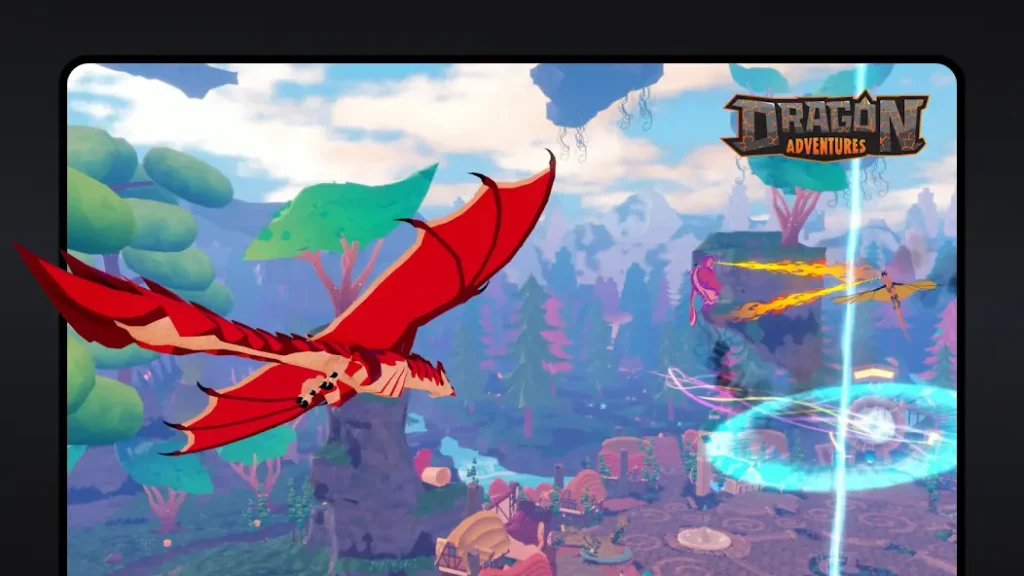
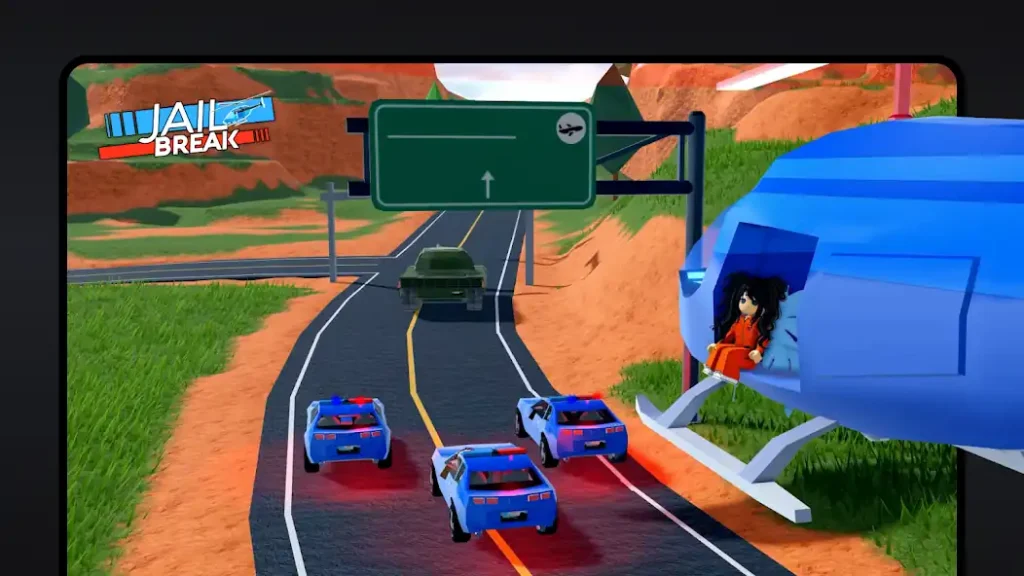
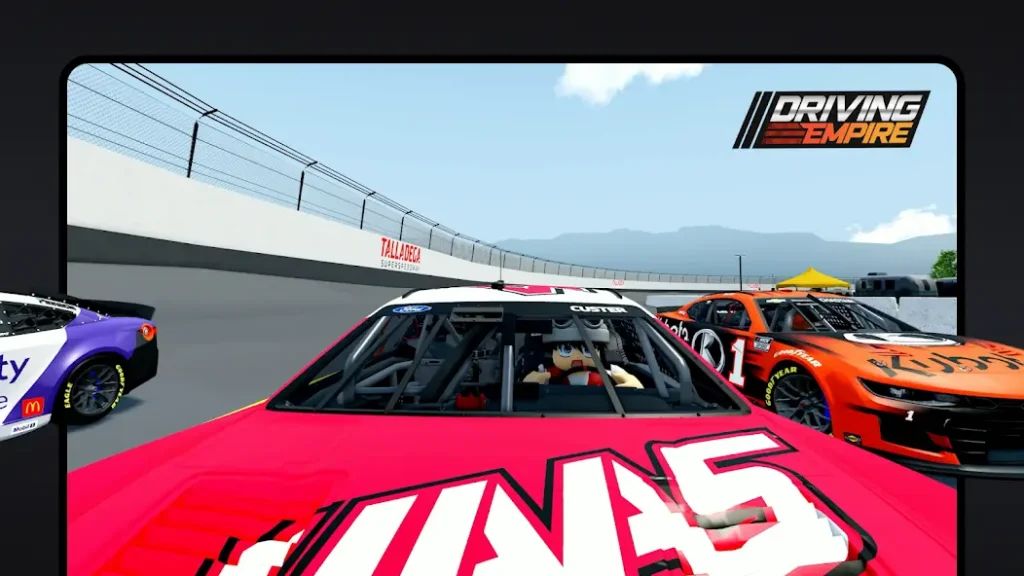
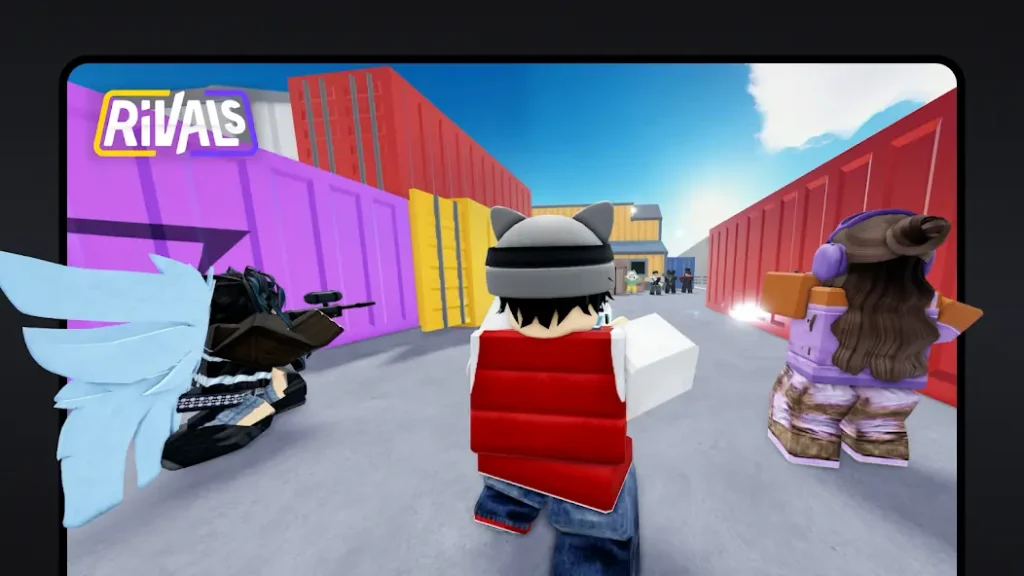
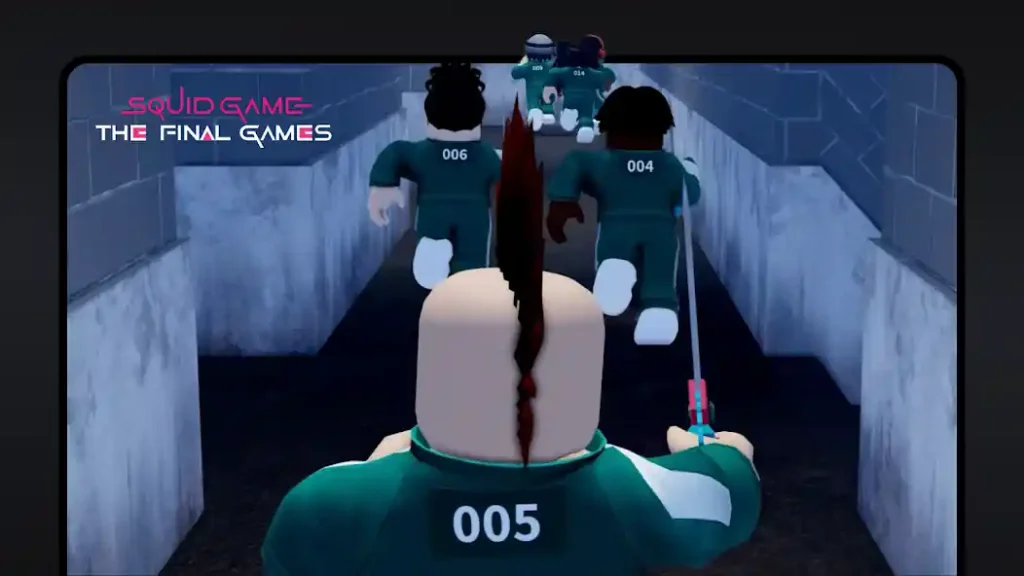
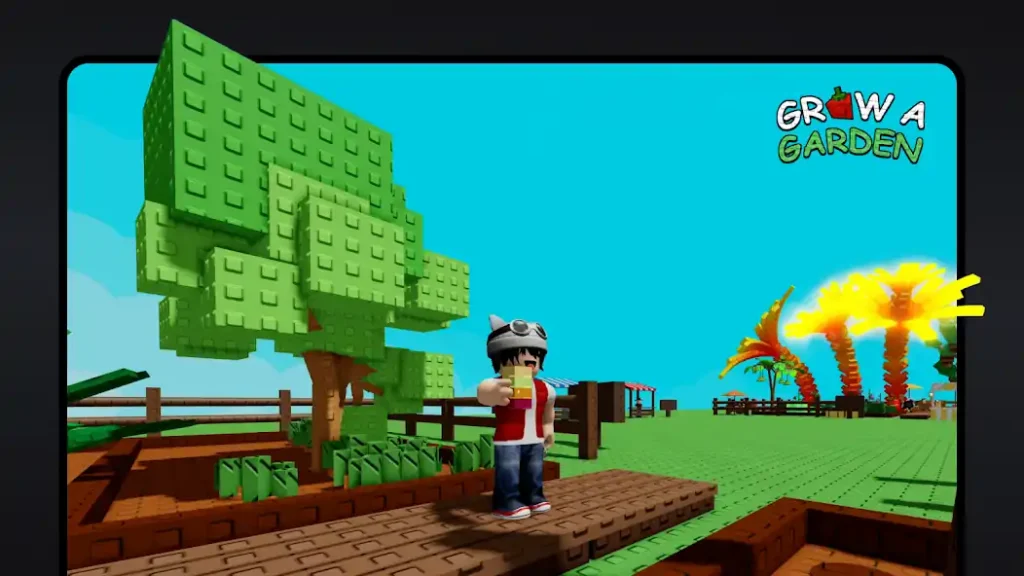
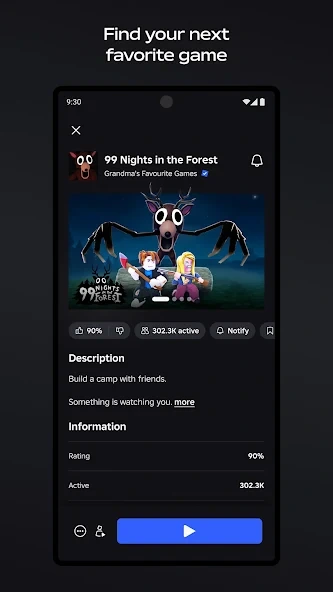
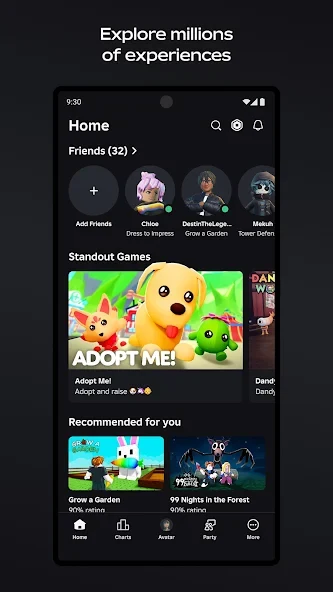
The variety of experiences available on Roblox MOD APK is one of the reasons players can spend time exploring different types of gameplay without installing a separate application for every activity. Its discovery section brings together experiences developed by different creators. These include role-playing adventures, racing challenges, simulation games, survival environments, competitive battles, and obstacle courses. Each experience has its own rules and objectives, so moving from one game to another can introduce an entirely different way to play.
Finding something interesting involves browsing available experiences and checking their descriptions before joining. Some games focus on completing missions, while others encourage players to build structures, manage resources, or compete against opponents. The quality and performance of individual experiences can vary because they are developed independently. Certain games may also include optional purchases or reward systems. Players should review the available information before spending Robux or purchasing additional content. You may be also check Spotify Premium Mod
EXPLORE DIFFERENT WORLDS WITH FRIENDS
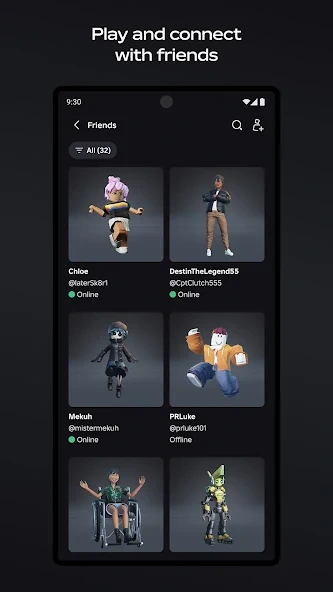
Playing with friends adds another dimension to the Roblox MOD APK experience. Players can join compatible multiplayer games, explore virtual locations together, and participate in activities that require teamwork. For example, friends might cooperate to complete an adventure challenge, compete in a racing experience, or explore a role-playing environment. Some experiences are built around individual progress, while others encourage players to work towards shared objectives.
Roblox MOD APK also supports cross-platform multiplayer functionality. Friends using supported Android devices, computers, consoles, and other compatible platforms can participate in the same experiences when the individual game allows it. The platform’s Party features help users organise gaming sessions and join activities together. However, availability depends on the selected experience, account eligibility, and regional settings. A particular game may also offer different controls or features depending on the device being used.
Key Multiplayer Activities
- Join Friends: Enter compatible multiplayer experiences and enjoy different activities together.
- Team Challenges: Work with other players to complete missions and achieve shared objectives.
- Explore Virtual Worlds: Visit different environments, cities, and interactive locations with friends.
- Cross-Platform Gaming: Play supported experiences with friends using compatible devices.
- Social Interaction: Spend time together in virtual spaces and participate in community activities.
UNLEASH YOUR CREATIVITY IN ROBLOX
Roblox MOD APK provides more than ready-made games for people who enjoy playing. It also gives aspiring developers the opportunity to build their own interactive experiences. Roblox Studio is the official creation environment used to design virtual worlds, arrange objects, develop gameplay mechanics, and add interactive features. Creators can start with a basic environment and gradually introduce more advanced features as their development skills improve.
The development process involves several creative and technical tasks. Users can design maps, position objects, create characters, and use scripting to control how different elements behave. For example, a creator might develop a simple obstacle course with checkpoints before moving on to a larger adventure with multiple stages. Roblox MOD APK Studio is available for supported Windows and Mac computers; the standard Android application is primarily intended for discovering and playing experiences rather than providing the complete Studio development environment.
Creative Tools and Activities
- World Building: Create virtual environments using objects, structures, and design elements.
- Map Design: Develop maps, obstacle courses, and locations for different gameplay experiences.
- Roblox Studio: Use the official development environment to build and manage projects.
- Game Scripting: Add interactive features and control how objects behave within an experience.
- Experience Publishing: Share completed projects with the Roblox community.
CUSTOMIZE YOUR AVATAR YOUR WAY
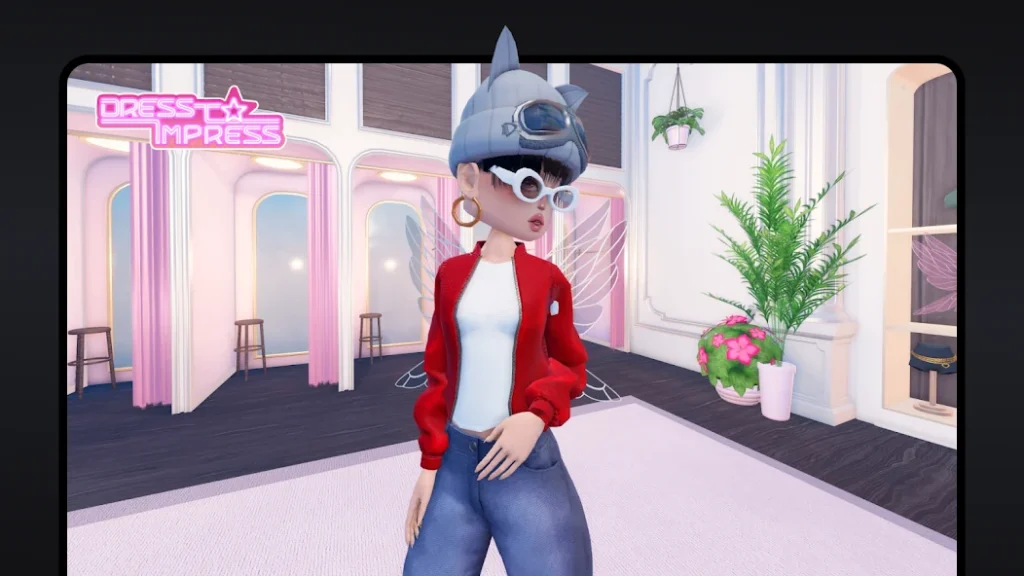
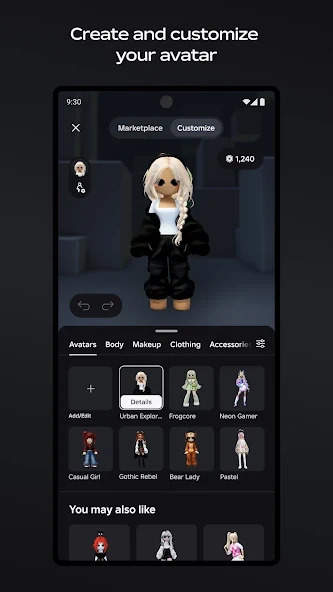
An avatar represents a player’s character within Roblox experiences. The platform provides customization options that allow users to change their character’s appearance using clothing, hairstyles, accessories, body options, and other visual items. These choices make it possible to create a character that reflects an individual style rather than using the same appearance as every other player.
The Avatar Editor and Marketplace are the main places to manage and discover customization items. Players can select available items, adjust their appearance, and explore creations submitted by the Roblox community. Some items are free, while others require Robux. Prices and availability may change, and not every item is suitable for every avatar type. Claims that a Roblox MOD APK MOD APK provides unlimited Robux or unrestricted access to premium Marketplace content should be treated cautiously because unofficial modifications do not represent verified Roblox MOD APK services.
Avatar Customization Options
- Clothing Selection: Choose different outfits to change your character’s appearance.
- Hairstyle Options: Explore available hairstyles and select a preferred look.
- Accessories: Add compatible hats, glasses, and other decorative items.
- Marketplace Items: Discover free and paid customization options from available creators.
- Personal Styling: Combine different items to create an individual avatar appearance.
CONNECT AND CHAT WITH OTHER PLAYERS
Communication helps players coordinate activities and maintain connections with friends. Roblox MOD APK includes social features that allow eligible users to communicate through available chat options and join multiplayer activities. Depending on the account’s age group, verification status, privacy settings, and region, communication may include experience chat, messaging, and voice features. These options can be useful when players want to organise a team, discuss a game, or arrange their next activity.
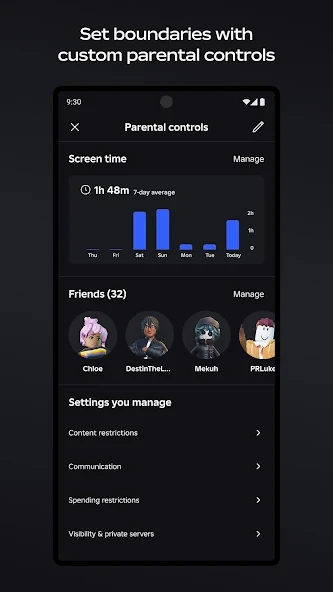
Roblox applies age-based communication requirements and parental controls to manage interactions between users. Current chat access requires an age check, while additional restrictions may apply depending on the user’s age and region. Players can also use available blocking, muting, and reporting tools when they encounter inappropriate behaviour. Parents should review communication settings and explain why children should never share passwords, home addresses, financial details, or other private information with people they meet online.
Communication and Social Features
- Friends List: Add other users and manage existing connections.
- Experience Chat: Communicate with eligible players during supported gaming experiences.
- Voice Communication: Use available voice features when account and regional requirements are met.
- Privacy Settings: Manage communication permissions and control available interactions.
- Safety Tools: Block, mute, or report users when inappropriate behaviour occurs.
ENJOY ROBLOX MOD APK ACROSS MULTIPLE DEVICES
Roblox MOD APK supports several device categories, making it possible to access compatible experiences through Android phones, tablets, Windows computers, Mac computers, consoles, and supported VR headsets. Cross-platform functionality allows players to continue enjoying the platform across different devices, although the available controls and individual game features may differ. This flexibility is particularly useful when friends prefer different gaming devices but want to participate in the same supported experience. APKsbrain
Android users can download the official application through Google Play on compatible devices. Roblox MOD APK currently lists Android 8.0 or higher and OpenGL ES 3.0 support as minimum requirements for Android phones and tablets. Actual performance depends on the device’s processor, graphics capabilities, memory, and the demands of the selected experience. Since Roblox is an online platform, a stable internet connection is also necessary. Users should keep the application updated and avoid unofficial installation files that may contain unwanted modifications or create account security risks.
Supported Devices and Access Options
- Android Phones: Play Roblox through the official application on compatible smartphones.
- Android Tablets: Access supported experiences on larger mobile screens.
- Windows Computers: Enjoy compatible games using keyboard and mouse controls.
- Mac Computers: Access supported Roblox MOD APK experiences through the desktop application.
- Consoles and VR: Explore compatible experiences on supported gaming consoles and virtual reality devices.
FAQs
Is Roblox free to play?
Yes, Roblox is free to download and use. Players can explore many experiences without paying, although some games and optional items offer paid purchases through Robux.
What is Roblox Studio used for?
Roblox Studio is a development tool that allows users to create their own games and interactive experiences. It includes building, scripting, testing, and publishing features for creators.
Can I play Roblox on different devices?
Roblox is available on supported mobile devices, computers, and consoles. Players can access the platform across different devices, although compatibility may depend on the individual experience.
What is Robux in Roblox?
Robux is the virtual currency used on Roblox. Players can use it to purchase eligible avatar items, accessories, and other digital products or features offered on the platform.
How can I stay safe while playing Roblox?
Use the available privacy settings, avoid sharing personal information, and communicate carefully with other players. You can also block or report users whose behaviour makes you uncomfortable.
Conclusion
Roblox MOD APK offers a different kind of gaming experience by bringing together thousands of user-created games, social features, and creative tools in one platform. Whether you enjoy racing, adventure, role-playing, or spending time with friends, there is plenty to explore. Roblox also gives creative players the opportunity to build their own experiences using Roblox Studio, making it more than just a place to play games.
If you are thinking about trying Roblox MOD APK, remember that modified versions are unofficial and may come with security or privacy risks. Features advertised by third-party websites are not guaranteed to work as promised. For a more reliable experience, use the official Roblox app, keep your account information private, and make use of the available safety settings.
Download Roblox
DownloadYou are now ready to download Roblox. Here are some important notes:
- Download the official application from Google Play.
- Check your device compatibility before installing.
- A stable internet connection is required to play.
Mod features
Extras included in this package.
- Unofficial modified Android app version.
- Advertised unlocked features and additional options.
- Access to a large collection of user-created games.
- Multiplayer gaming with friends.
- Avatar customization options.
- Creative gaming experiences and virtual worlds.

