

Telegram
Telegram FZ-LLC Verified


Specifications
Table of contents
About this app
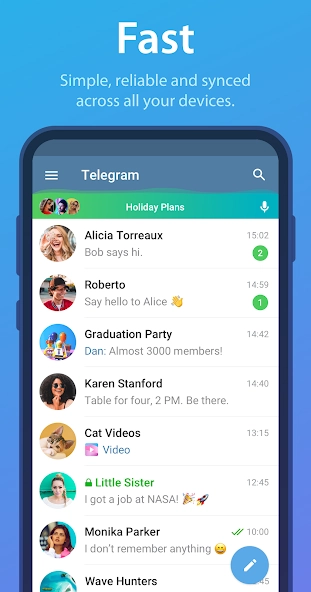
Telegram is a cloud-based messaging application that allows people to communicate through private chats, groups, channels, voice calls, and video calls. Developed by Telegram FZ-LLC, the platform is available on Android, iOS, Windows, macOS, Linux, and web browsers. Its main purpose is to make communication accessible across different devices while providing tools for personal conversations, large communities, and content sharing.
What makes Telegram different from a basic messaging application is its combination of cloud synchronization, large group discussions, public channels, bots, and interactive mini apps. Users can exchange messages, share documents, follow public channels, and manage communities from one application. Telegram also provides privacy controls, including Secret Chats with end-to-end encryption. However, its regular cloud chats and Secret Chats use different encryption systems, which is important to understand before sharing sensitive information.
Understanding Telegram Chats, Groups, and Channels
Telegram offers several communication options, allowing users to choose how they want to interact with individuals and communities. Private chats are suitable for everyday conversations, while groups and channels provide different ways to communicate with larger audiences. You may be also check
TikTok
Private Chats
Private chats allow two users to exchange text messages, photographs, videos, voice messages, documents, and other supported media. Users can edit sent messages, delete conversations, share contacts, and send files without switching to another application. Regular private conversations are cloud chats, meaning messages can synchronize across the devices connected to the same account.
Telegram Groups
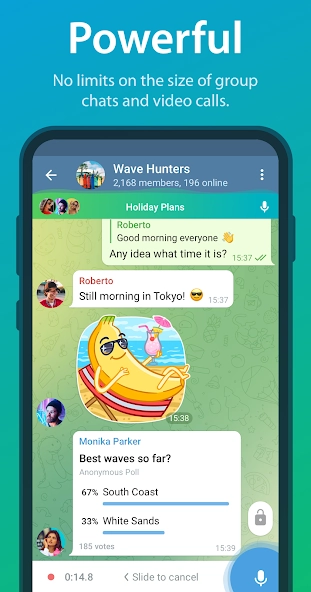
Groups provide a shared space where multiple members can communicate, exchange information, and participate in discussions. Supports groups with up to 200,000 members. Group administrators can manage membership, control permissions, pin important messages, and moderate discussions.
For more organised conversations, group owners can enable Topics. Each topic has its own discussion history, shared media, and notification settings. This is particularly useful for communities where different subjects need separate discussion areas.
Telegram Channels
Channels are designed for broadcasting messages to an audience. Unlike ordinary groups, channels allow administrators to publish updates while subscribers follow the content. They are useful for news publishers, educational communities, businesses, creators, and organisations.
Public channels can be discovered through search functionality, while private channels require an invitation or access link. Channel administrators can publish text, photographs, videos, documents, and other supported content. Depending on the channel’s settings, subscribers may also be able to react to posts or participate in discussions.
File Sharing and Message Management
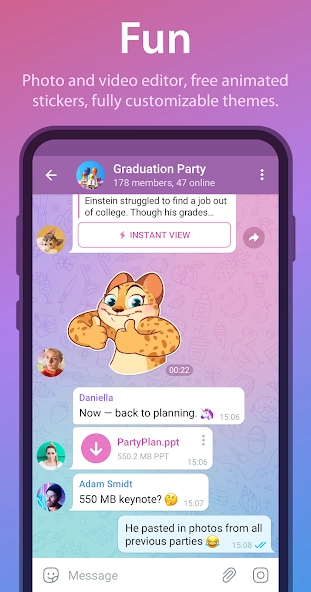
Telegram supports sharing different types of files, including documents, images, videos, and audio. According to its official FAQ, individual file transfers can reach 2 GB, or 4 GB for Telegram Premium users. Users can also search chat histories, pin important messages, and organise conversations using available chat management tools.
These options make useful for both everyday communication and information-sharing communities. However, public groups and channels should not be treated as private spaces because their content may be accessible to a wider audience.
Telegram Privacy, Secret Chats, and Account Security Features
Telegram includes several privacy and account management settings that help users control their communication experience. Understanding the difference between its cloud chats and Secret Chats is especially important because they do not offer identical encryption protections.
Secret Chats and End-to-End Encryption
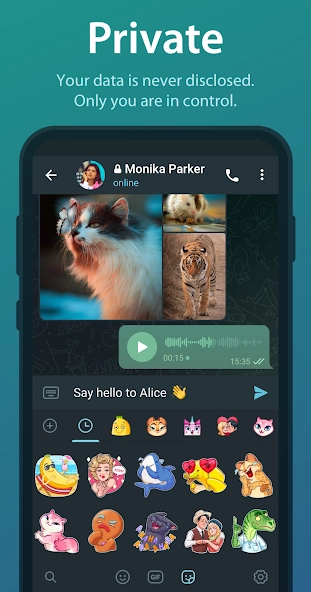
Secret Chats are designed for conversations that require end-to-end encryption. Messages in these chats can only be read by the participating devices, and Telegram cannot access their readable contents. Secret Chats are device-specific rather than cloud-synchronised, so they do not automatically appear on other devices logged into the same account.
Users can also set a self-destruct timer for supported messages and media. Once the timer expires, the content is instructed to disappear from both participating devices. Secret Chats also restrict message forwarding.
Cloud Chat Privacy
Regular private and group conversations use Telegram’s cloud chat system. Messages are encrypted during transmission and stored in cloud so users can access their conversation history from different devices.
However, standard cloud chats do not use the same end-to-end encryption model as Secret Chats. Users should understand this distinction when deciding which type of conversation is appropriate for sensitive information.
Privacy Settings
Telegram provides controls that help users manage who can see certain account details and contact them. Depending on the available settings, users can control the visibility of their phone number, profile photographs, last-seen information, and other profile details.
The application also allows users to manage blocked accounts, control contact synchronisation, and review certain data settings. These options can be found in the Privacy and Security section of the application.
Two-Step Verification
Two-Step Verification adds an additional password requirement when logging into a Telegram account from a new device. Users can configure this protection through Settings under Privacy and Security.
It is important to choose a strong password and maintain access to the recovery email if one is configured. Users should also avoid sharing login codes with other people, including anyone claiming to represent support.
Account Protection and Security Considerations
Telegram supports active session management, allowing users to review devices where their account is currently logged in and terminate sessions they no longer recognise. Regularly reviewing active sessions can help users identify unfamiliar access.
The application also has privacy considerations. Policy explains that it uses phone numbers as account identifiers and requests permission before synchronizing contacts. Its privacy policy also describes the collection of certain technical information, such as IP addresses and device information, for security and abuse prevention.
Users should review the application’s permissions and privacy settings rather than assuming that every conversation has identical privacy protection.
Discovering Telegram Stories, Voice Calls, and Video Sharing
Telegram has expanded beyond text messaging by introducing features for sharing temporary content, making calls, and communicating through different media formats. These tools allow individuals and communities to interact without depending entirely on traditional chat messages.
Telegram Stories
Stories allow users to share photographs and videos that remain visible for a selected period. Telegram provides several duration options, including 6, 12, 24, and 48 hours. Users can also keep selected stories on their profiles for longer.
When publishing a story, users can choose its audience. Available options include Everyone, My Contacts, Close Friends, and selected individual users. Additional controls allow users to hide stories from particular people and manage their visibility.
Stories can be useful for sharing personal updates, announcements, photographs, and short videos. Groups and channels can also publish stories when they meet Telegram’s boost requirements.
Voice and Video Calls
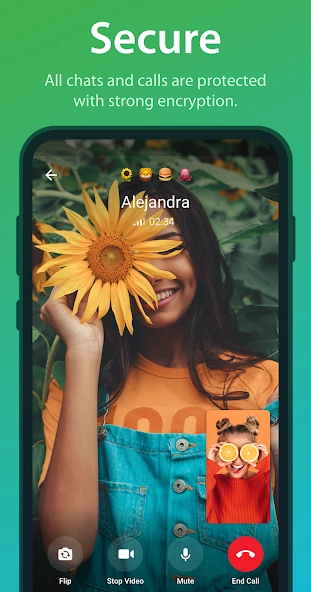
Telegram supports voice and video calls for direct communication. Users can start a call from a conversation or through the application’s calling interface. During supported video calls, participants can also share their screens.
The platform supports end-to-end encrypted voice and video calls. Users can verify call encryption by comparing the four emoji displayed on their screens.
Group Calls and Voice Chats
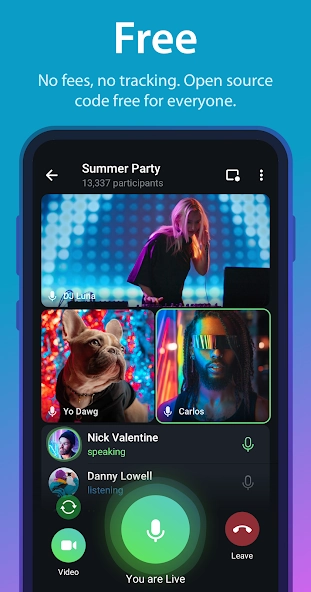
Group calls allow multiple participants to communicate in the same session. Telegram’s official FAQ describes support for group calls with up to 200 participants. Group voice chats also provide a way for community members to join ongoing audio discussions.
These features can be useful for remote meetings, study groups, online communities, and informal conversations. Available controls and the interface may vary depending on the application version and device.
Video and Media Sharing
Telegram allows users to share videos, photographs, voice messages, and documents through private chats, groups, and channels. Recipients can view supported media directly within the application or save files to their devices.
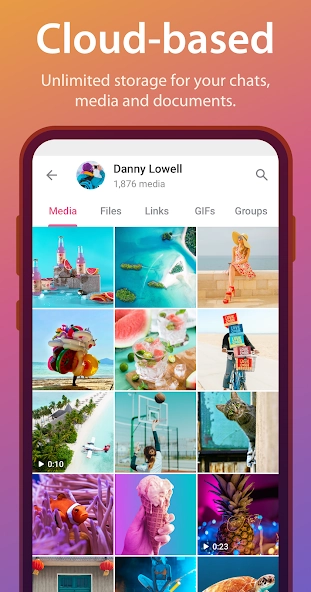
The platform also provides media management and playback options. Users can browse shared photographs and videos within conversations, making it easier to find previously exchanged content.
Exploring Telegram Bots, Mini Apps, and Smart Communication Tools
Telegram supports an ecosystem of bots and mini apps that extends its functionality beyond ordinary messaging. These tools are created by third-party developers and can provide services, interactive experiences, and automated responses inside the application.
Telegram Bots
Bots are automated accounts that respond to user commands and messages. They can provide information, answer questions, manage group activities, send notifications, and perform other programmed tasks.
Users can find bots through search or open them using their usernames and links. Many bots use commands beginning with a forward slash, such as /start, to display their available functions. Some also include buttons and interactive menus that make them easier to use.
Bots are developed by third parties, so their reliability and privacy practices can differ. Users should avoid sending passwords, payment details, or other sensitive information to unfamiliar bots.
Telegram Mini Apps
Mini Apps are interactive applications that open inside Telegram. They are developed using the Telegram Bot Platform and can provide services such as games, shopping experiences, productivity tools, and other web-based applications.
Users can open a Mini App through a bot profile, a supported link, or the Apps section in Search. Some Mini Apps support full-screen viewing, home-screen shortcuts, and payment features through Telegram Stars.
These applications are created by external developers rather than directly by Telegram. When using a Mini App, users should review its developer information and understand what information it may receive. Telegram explains that Mini Apps can receive certain account details, while additional information such as phone numbers or location is shared only when the user chooses to provide it or grants the relevant permission.
Telegram Stars
Telegram Stars provide an in-app payment system used for eligible digital products and services. Users can spend Stars on supported Mini Apps, paid content, and other platform features.
The availability and pricing of these services can depend on the platform, region, and applicable payment rules. Users should review the details before making a purchase.
Smart Features and Automation
Continues to expand its tools for automation and communication. Its official updates have introduced features such as AI-powered text editing, improved polls, bot management tools, and AI-related functionality.
The exact features available can depend on the application version, account eligibility, and whether a tool is provided by or an independent developer. Users should distinguish between built-in Telegram functions and services operated by third parties.
FAQs
Can I use Telegram on multiple devices at the same time?
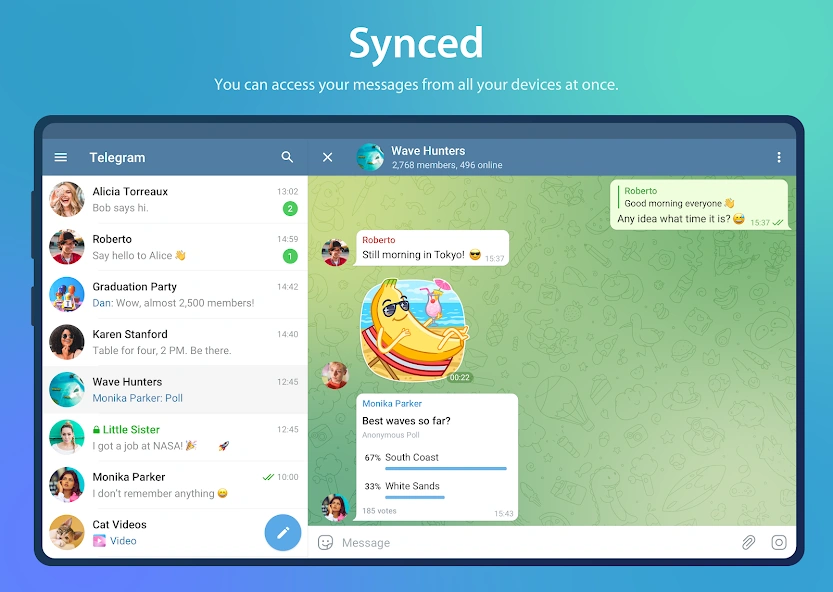
Yes, Telegram allows users to access their accounts on multiple devices simultaneously. Regular cloud chats and messages can sync across supported devices, making it convenient to continue conversations from different locations.
What is the difference between Telegram Groups and Channels?
Telegram Groups are designed for conversations and community discussions, allowing members to interact with one another. Channels are mainly used to broadcast messages, updates, and announcements to subscribers.
Can I send large files through Telegram?
Yes, Telegram supports file sharing for documents, videos, images, and other formats. Regular accounts can send files up to 2 GB each, while Telegram Premium users can send files up to 4 GB each.
How can I protect my Telegram account from unauthorised access?
You can improve account security by enabling Two-Step Verification, using a strong additional password, and regularly checking active sessions. Avoid sharing login codes with anyone, even if they claim to represent Telegram.
Can I use Telegram without showing my phone number to other users?
Yes, Telegram provides phone number privacy settings that let you control who can see your number. You can also use a public username so other people can find and contact you without needing your phone number.
Conclusion
Telegram has developed into more than a conventional messaging application. Its combination of private conversations, large groups, broadcast channels, file sharing, Stories, and calling tools gives users several ways to communicate and exchange information. Cloud synchronisation also makes it convenient to continue regular conversations across supported devices.
Its bots and Mini Apps provide additional functionality, allowing users to access services and interactive tools without leaving the messaging platform. However, users should understand the differences between cloud chats and Secret Chats, review privacy settings, and exercise caution when interacting with third-party bots, Mini Apps, and public communities.
For readers looking for a messaging platform with flexible communication and community features, Telegram is worth exploring. The best way to use it responsibly is to understand its available tools, select suitable privacy settings, and download the official application from a trusted source Apksbrain.
Mod features
Extras included in this package.
- Scheduled Messages – Schedule messages to be sent automatically at a selected date and time.
- Chat Folders – Organise conversations into separate folders such as Work, Family, Friends, and News.
- Saved Messages – Save important messages, documents, links, photos, and other files in your personal space.
- Auto-Delete Messages – Set messages to disappear automatically after a selected period.
- Live Location Sharing – Share your real-time location with selected contacts or groups.
- Interactive Polls and Quizzes – Create polls, collect opinions, and organise quizzes within groups and channels.
- Telegram Stories – Share photos and videos with custom privacy settings and different expiration periods.
- Voice-to-Text Conversion – Convert voice and video messages into readable text with Telegram Premium.
- Telegram Bots and Mini Apps – Access automated services, AI assistants, games, shopping tools, and other applications inside Telegram.
- Real-Time Translation – Translate messages and conversations into different languages using Telegram's translation features.

