

CapCut Pro Mod APK
Bytedance Pte. Ltd. Verified

Specifications
Table of contents
About this app
CapCut Pro Mod APK is a popular video editing app for people who want to make their videos look better without using complicated editing software. Whether you create TikTok videos, Instagram Reels, YouTube Shorts, or personal clips, it offers useful tools to cut videos, add music, apply effects, and make creative edits. Its simple layout makes it easier for beginners to start editing, while its advanced tools give experienced creators more ways to work on their videos.
CapCut Pro Mod APK is a term people use when searching for modified versions of the app that claim to unlock premium features. These versions may advertise extra effects, filters, and editing tools, but their features are not always genuine or reliable. In this guide, we will explore CapCut’s main editing features, including AI tools, transitions, audio effects, text options, and export settings. We will also explain the possible risks of using an unofficial modified version. You may also check Yatrucoff APK

What Is CapCut Pro Mod APK?
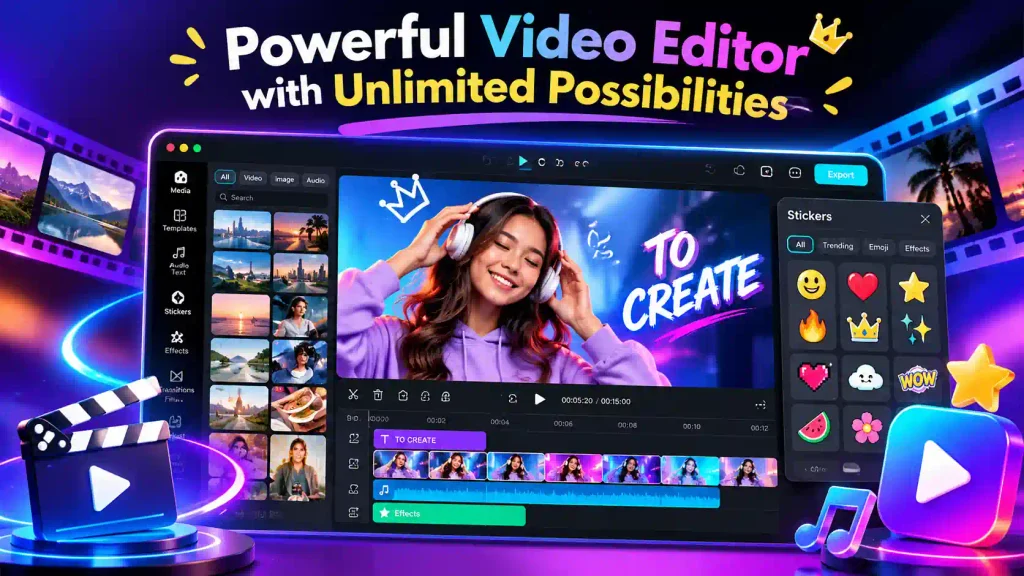
CapCut Pro Mod APK is a video editing application that helps users turn ordinary video clips into more attractive content. You can combine several clips, remove unwanted sections, add background music, insert text, and adjust colours to improve the final result. These tools are useful for people who create videos for social media, family memories, tutorials, or other personal projects.
CapCut Pro Mod APK refers to an unofficial modified version of the original application. Websites offering these files may claim that users can access paid features without a subscription. However, there is no guarantee that these features will work as advertised. Modified files may also contain unwanted software or fail to receive official updates. If you want a more dependable editing experience, consider using the official CapCut app and checking its available plans and features.
Advanced Video Editing Tools in CapCut Pro Mod APK
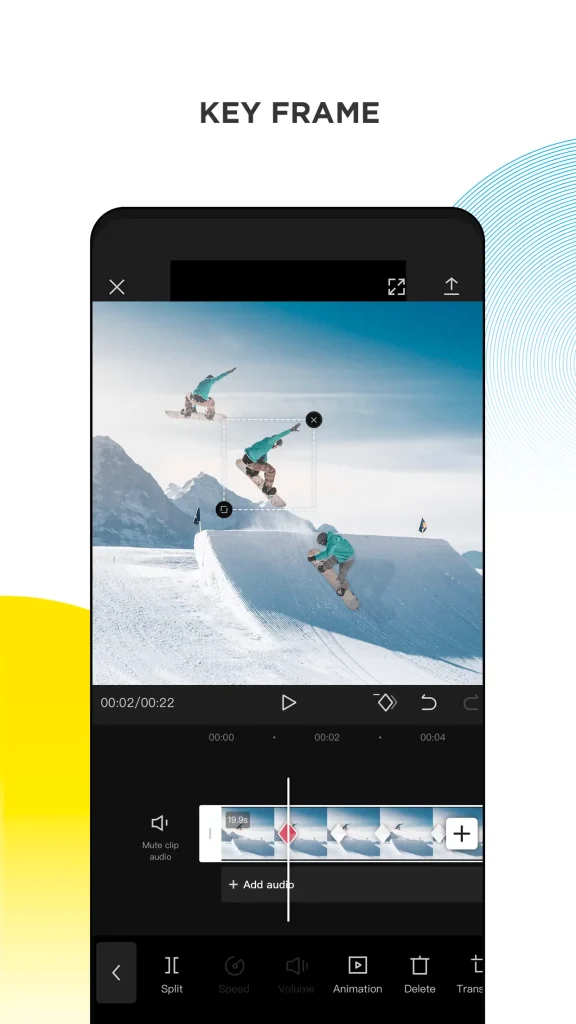
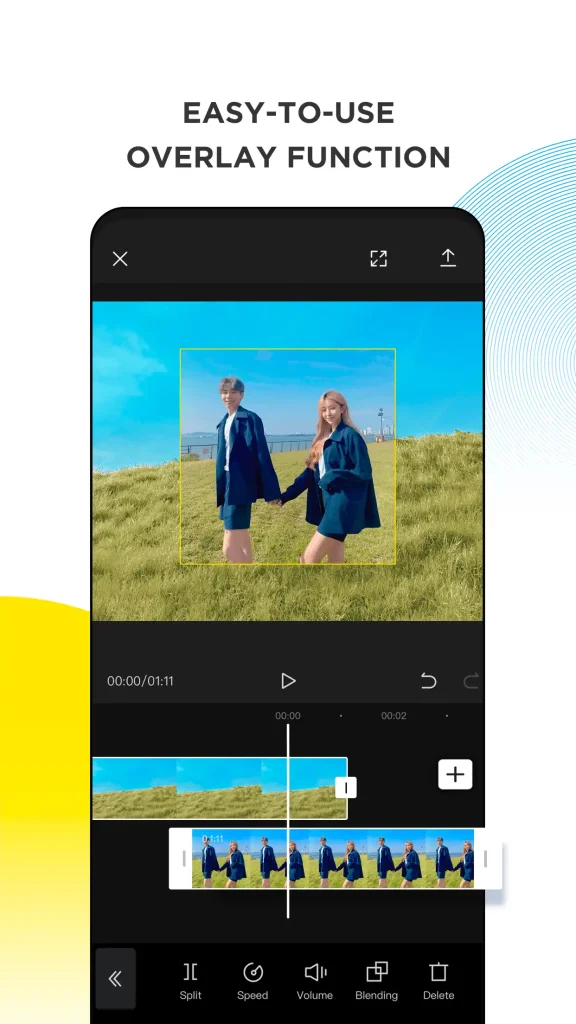
One of the reasons people choose CapCut Pro Mod APK is that it makes everyday video editing easier. You can trim a clip, split it into smaller parts, rearrange scenes, and join different recordings in one project. These tools are useful when you want to remove mistakes, shorten a video, or create a smooth sequence for social media. You can also adjust brightness, contrast, and saturation to give your footage a more balanced look.
CapCut Pro Mod APK also offers additional editing options in supported versions, helping creators add more detail to their projects. Depending on the tool, you may be able to work with multiple layers, adjust clip timing, or use different visual effects. Some features may require a paid plan. Although modified versions often claim to unlock all premium tools, their performance and available features can vary, so those claims should be treated carefully.
Trending Effects and Video Filters
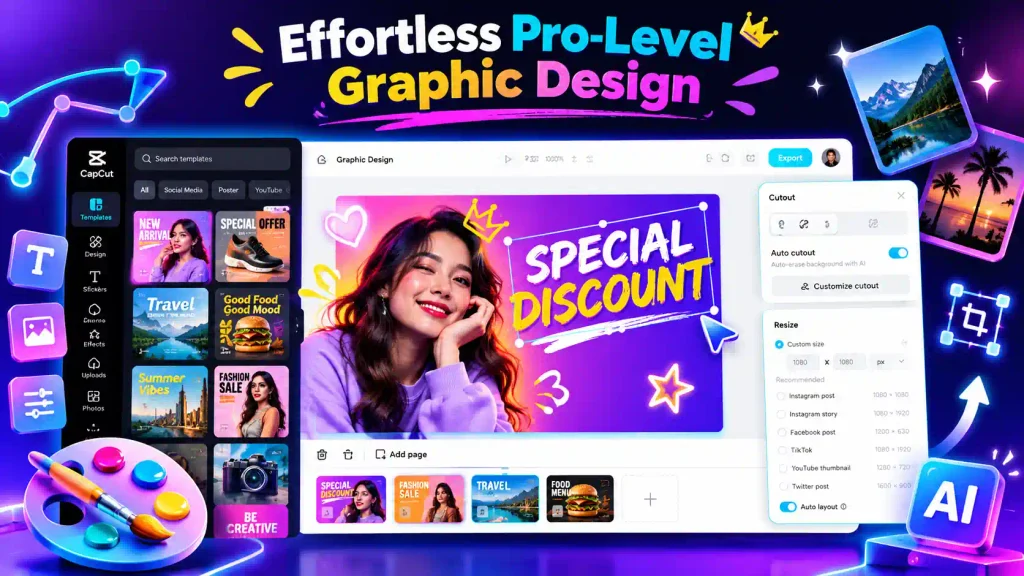
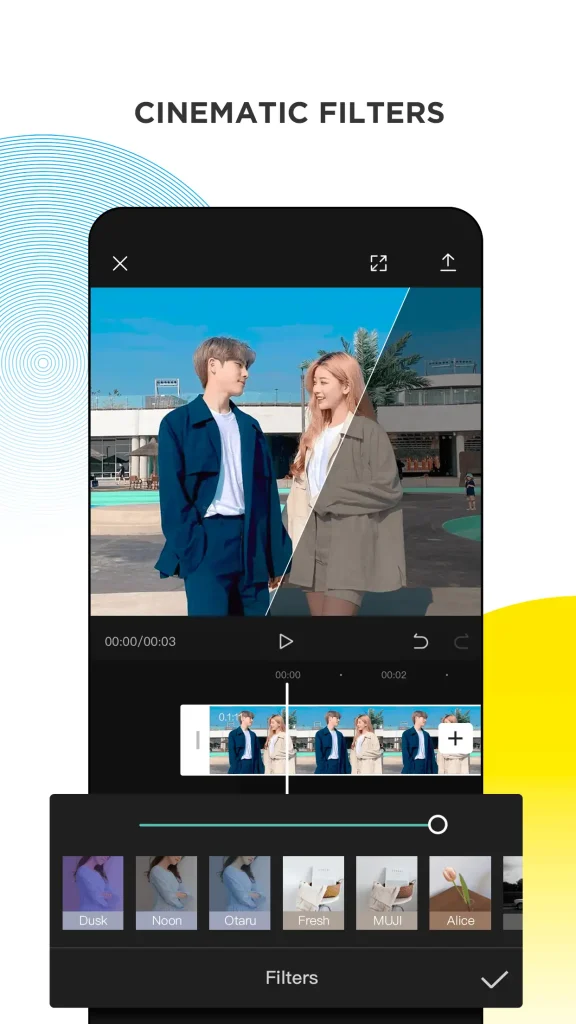
A good filter can change the entire mood of a video. CapCut Pro Mod APK offers different visual filters that can make footage look brighter, warmer, cooler, or more cinematic. For example, you might choose a soft colour style for a travel video or a bold look for a short social media edit. Filters are easy to experiment with, so you can compare different styles before deciding which one suits your video.
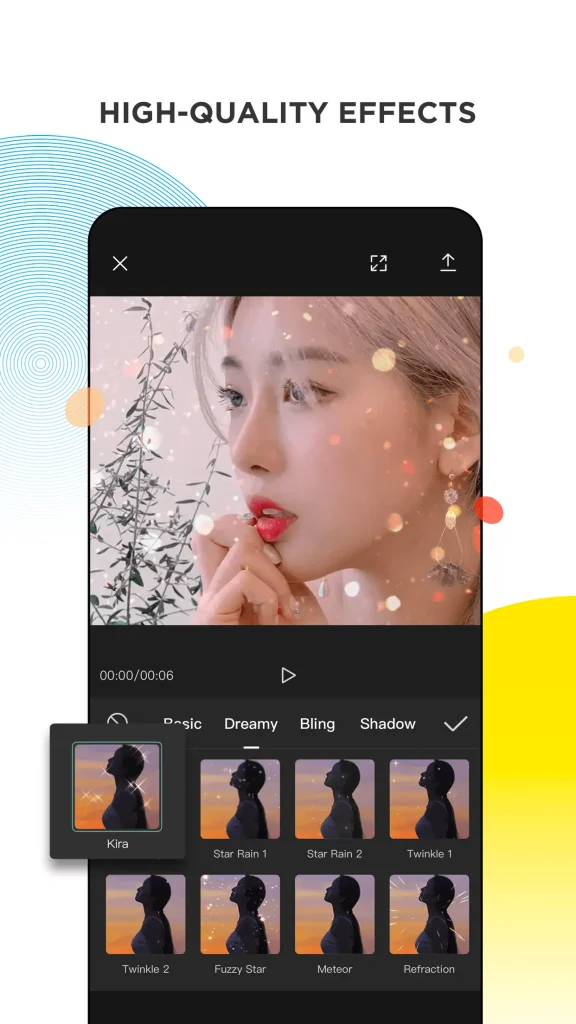
Effects add another creative touch by changing how certain parts of a video look. They can help highlight a scene, create a particular mood, or make a transition more interesting. The available effects and templates can change with app updates, and some may require a subscription. If a website claims that a modified APK includes every premium effect, remember that the advertised features may not work as expected.
AI-Powered Editing Tools and Features
AI tools can save time by helping with tasks that would otherwise take longer to complete manually. Depending on the version and region, CapCut may offer features such as automatic captions, background removal, and other AI-assisted editing options. These tools can be especially useful for creators who publish videos regularly and want to spend less time on repetitive editing work.
For example, automatic captions can turn spoken words into on-screen text, making videos easier to follow when the sound is turned off. Background removal can help separate a person or object from the background in supported editing modes. Some AI features may have usage limits or require payment. Modified APK websites may advertise unlimited access, but it is best not to assume that these claims are accurate.
Transitions, Slow Motion, and Speed Control
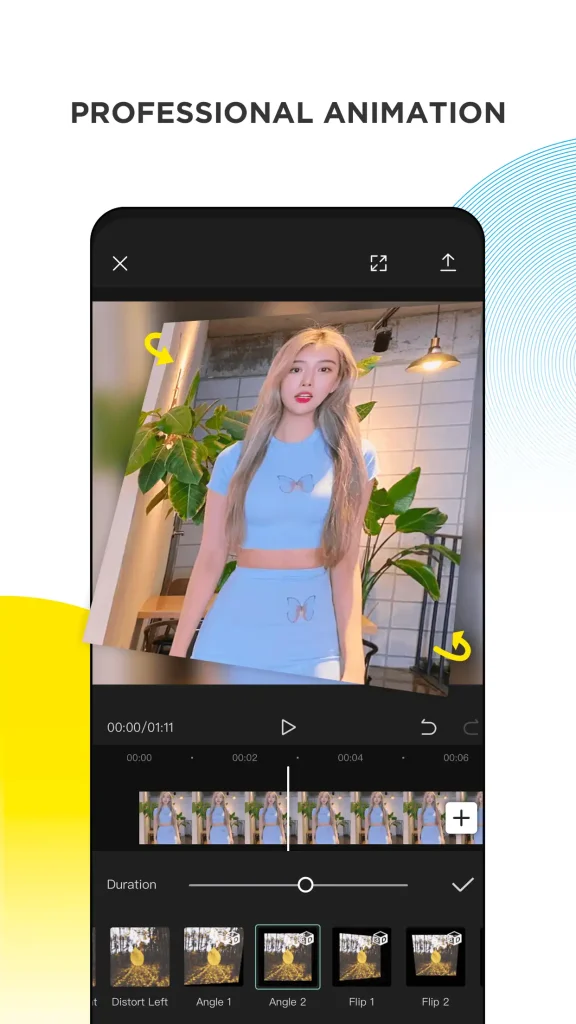
Transitions help connect one clip to the next without making the video feel too abrupt. CapCut Pro Mod APK offers different transition styles that can be used between scenes. A simple transition works well for everyday videos, while a more noticeable effect may suit a creative montage or short social media edit. The key is to choose transitions that fit the video instead of adding too many effects at once.
Speed control is another useful tool for changing the feel of a clip. Slow motion lets you highlight a particular moment, while faster playback can make a long recording shorter and more engaging. These options work well for dance videos, sports clips, travel edits, and everyday recordings. After adjusting the speed, preview the video to make sure the movement looks smooth and the timing feels right.
Music, Sound Effects, and Voice Effects
Music can make a video more enjoyable and help set the right mood. CapCut Pro Mod APK lets users add audio to their projects and adjust sound levels using the available editing tools. You might choose soft background music for a travel video or something more energetic for a short montage. You can also balance the original recording with the added soundtrack so that important dialogue remains clear.
Sound effects and voice effects provide more ways to change the audio in a project. Depending on the available features, you may be able to add sound effects, adjust voice levels, or change how a voice sounds. Before publishing your video, listen to the complete edit and check that the audio matches the visuals. Also, make sure you have the right to use your chosen music, particularly if the video is intended for commercial use.
Text, Stickers, and Auto Captions
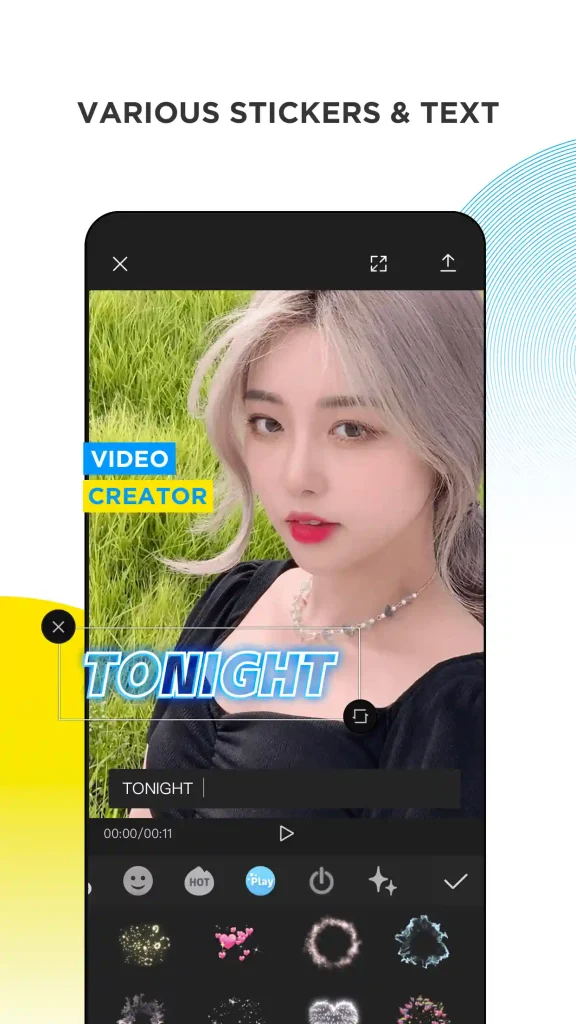
Text is useful when you want to introduce a video, explain something, or highlight an important point. CapCut Pro Mod APK provides text tools that let users add titles, labels, subtitles, and other written content to their videos. You can adjust the appearance and position of text using the available options, helping it fit the style of your project.
Stickers and animated text can make videos feel more personal and expressive. They are often used in short clips, reactions, tutorials, and social media posts. Auto captions can also save time by creating text from spoken dialogue, although the results may need correction before publishing. Some fonts, stickers, templates, and other resources may be limited to certain versions or paid plans.
Video Export Quality and Resolution Options
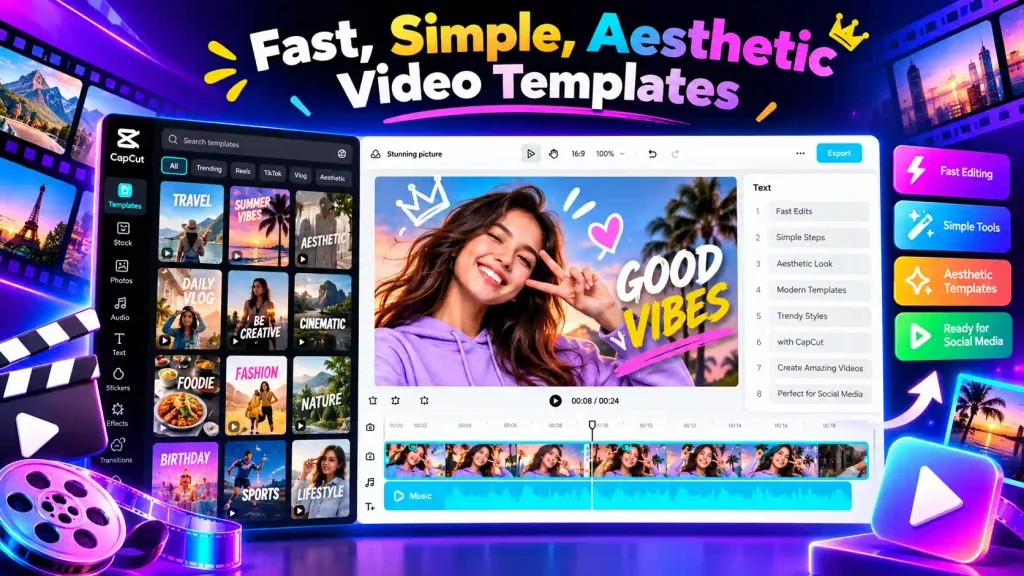
Once your editing is complete, the next step is to export the video. CapCut provides export settings that may let you choose the resolution and frame rate, depending on your device and app version. Resolution affects how much visual detail a video contains, while frame rate influences how smooth movement appears. Choosing suitable settings helps you get a result that looks good without creating an unnecessarily large file.
For everyday social media videos, the best export settings depend on the platform and the quality of your original footage. Higher resolutions can produce sharper results, but they may also increase file size and processing time. Before saving the final video, watch it from beginning to end and check the sound, text, transitions, and effects. Keep in mind that modified APK files may not provide the export options they advertise.
Pros and Cons of CapCut Pro Mod APK
| Pros | Cons |
|---|---|
| May advertise access to additional editing tools. | Premium features may not work as claimed. |
| Can appeal to users looking for more creative options. | Unofficial files may contain harmful software. |
| May offer a familiar editing layout based on CapCut. | Updates and technical support may be unreliable. |
| Can be used for exploring video editing options. | Some features may stop working after updates. |
| May claim to remove certain app limitations. | Privacy and account security may be at risk. |
Is CapCut Pro Mod APK Safe to Download?
It is important to be careful when downloading modified applications from websites you do not know. CapCut Pro Mod APK is not an official release, so its contents may have been changed by someone other than the original developer. Some files may work poorly, request unnecessary permissions, or contain unwanted software that could affect your phone or personal information. APKsbrain
If you want to use CapCut, the safer option is to download the official app from a trusted app store or the developer’s official website. Review app permissions, keep your device updated, and avoid files that ask you to turn off important security protections. Remember that an APK installing successfully does not mean it is safe. Choosing a trustworthy source is an important step in protecting your phone and your video projects.
FAQs
Can beginners edit videos with CapCut Pro Mod APK?
Yes, CapCut has an easy-to-use interface that helps beginners create and edit videos without advanced editing skills.
Can I add my own music to CapCut videos?
Yes, CapCut allows users to add audio to their projects, helping them create videos that match their personal style.
Does CapCut support short videos for social media?
Yes, CapCut provides editing tools suitable for creating short videos for platforms such as TikTok, Instagram Reels, and YouTube Shorts.
Why might some CapCut features not work properly?
Some features may depend on your device, app version, or internet connection. Modified versions may also contain errors or missing functions.
What should I consider before installing CapCut Pro Mod APK?
Check the source carefully because unofficial modified apps may pose security and privacy risks. The official version is generally the safer choice.
Conclusion
CapCut Pro Mod APK is an interesting option for people who enjoy making videos and trying different editing styles. With tools for adding music, applying filters, using transitions, and adjusting video speed, CapCut makes it easier to turn ordinary clips into more attractive videos. Whether you create content for TikTok, Instagram, or YouTube, these editing tools can help you bring your ideas to life.
Before downloading the modified APK, take a moment to think about your device’s safety. Unofficial versions may not work properly and could put your personal information at risk. If you want to edit videos without worrying about these issues, the official CapCut app is worth considering. In the end, the best editing app is one that suits your needs, is easy to use, and lets you create videos with confidence.
Mod features
Extras included in this package.
- Premium Video Effects – Access to additional visual effects for creative video editing.
- Pro Filters – Use a wider selection of filters to change video colours and appearance.
- Advanced Transitions – Apply different transition styles between video clips.
- Premium Templates – Access additional ready-made templates for video projects.
- Advanced Text Styles – Use extra fonts, text animations, and styling options.
- AI Editing Tools – Use supported AI-powered tools for editing and enhancing videos.
- Background Removal – Remove or replace video backgrounds using supported editing tools.
- Advanced Audio Editing – Adjust sound, music, and voice elements in projects.
- High-Resolution Export – Some modified builds advertise additional export options.
- No Watermark Export – Some versions claim to remove watermarks from exported videos.


