
VidMate
VidMate Studio Verified

Specifications
Table of contents
About this app
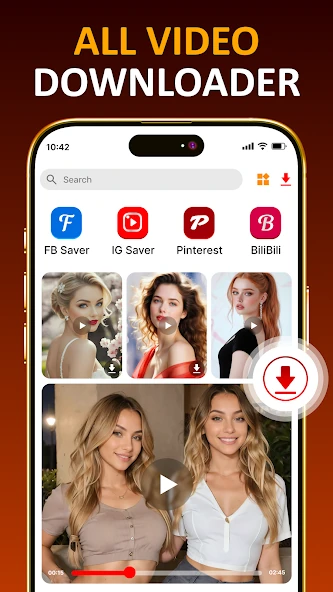
VidMate is an Android media-downloading application designed for users who want to save online videos, music and images to their mobile devices. It is promoted as a single place to discover media and download available content in different formats and resolutions. Instead of relying entirely on an internet connection to stream something repeatedly, users can save supported files to their device and access them later.
The application is particularly relevant to people who regularly watch online videos, listen to music or save media for offline use. However, its availability outside Google Play and the uncertainty surrounding the authenticity of some download websites mean that users should understand its features and security considerations before installing it. This guide explains VidMate’s advertised functions, download process, practical benefits and important limitations.
What Is VidMate APK?

VidMate APK is the Android installation package for the VidMate application. The app is marketed as a video and music downloader that can save media from supported online platforms. Its website advertises compatibility with services such as Facebook, Instagram, TikTok and other media websites. Actual availability can depend on the application version, the source platform and regional restrictions.
The APK format means users install the application using an installation file rather than downloading it through the usual Google Play process. VidMate’s website states that the app is not available on Google Play. However, several websites use the VidMate name and describe themselves as official download sources. The available information does not independently establish one verified publisher-controlled download domain or confirm the authenticity of every APK offered online. Users should therefore avoid assuming that a file is genuine simply because its website uses the VidMate name.
VidMate Main Features
Video Download Options
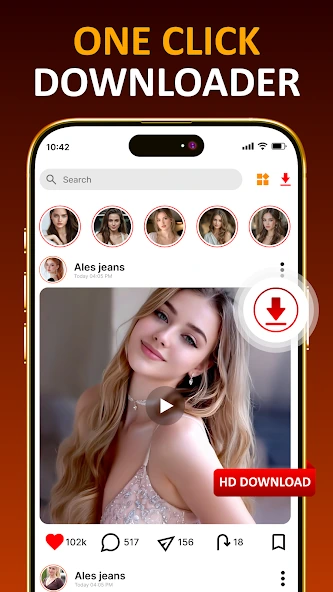
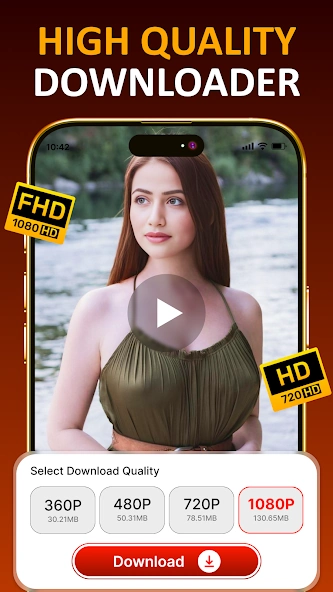
The VidMate website advertises video downloads in several resolutions, including 360p, 480p, 720p, 1080p, 2K and 4K. When a supported video is available, users may be able to choose a suitable quality before downloading. Lower resolutions generally require less storage, while higher resolutions can provide more detail but produce larger files. The maximum available quality depends on the original video and the source platform.
Audio and Music Downloads
The application also promotes audio-only downloads. Its website lists MP3 among its supported formats, allowing users to select an audio option where the source and application version provide it. This can be useful when someone wants to listen to permitted audio content without keeping the complete video file. The available audio quality should be checked before starting a download rather than assuming every source supports the same options.
Multiple Media Formats
VidMate advertises support for formats such as MP4, MP3, WEBM, JPEG and PNG. These formats cover different types of media: MP4 and WEBM are commonly used for video, MP3 for audio, and JPEG or PNG for images. The format choices shown to users may depend on the content being downloaded and the source website.
Built-In Media Playback
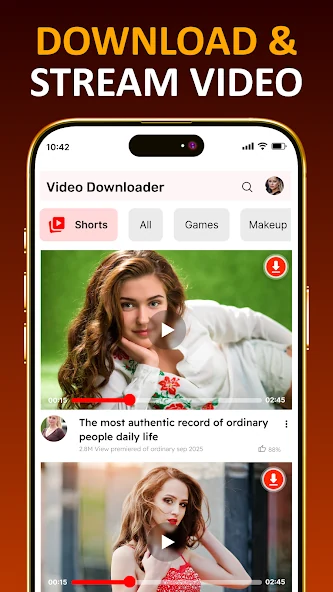
The VidMate website promotes an integrated media player with background playback and playlist-related functions. A built-in player can make it more convenient to open saved media without switching to another application. Background playback, where supported, allows audio to continue while the user performs other tasks on the phone. These are advertised capabilities; their exact behaviour should be checked in the installed version.
Social Media Media Saving
VidMate advertises downloading options for selected social media services, including TikTok, Instagram and Facebook. Its website also promotes a WhatsApp Status-saving function. These options may be useful for saving content that users own or have permission to keep. They should not be treated as permission to copy private, copyrighted or otherwise restricted material. Support can change when a social platform updates its systems or access rules.
VidMate Video Download
- Open the installed VidMate application.
- Find the supported website or media item you want to access.
- Open the selected video, if the source is supported.
- Look for the download option provided by the application.
- Review the available formats and video qualities.
- Select an option that suits your storage space and viewing needs.
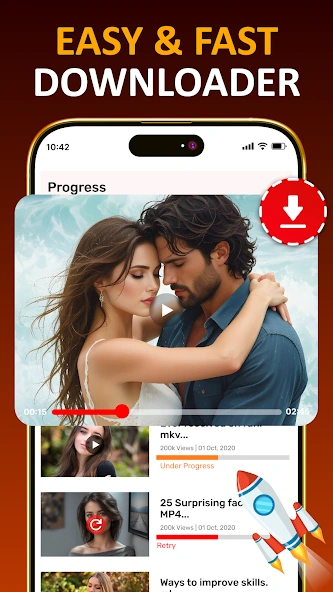
- Start the download and check the application’s download area for the saved file.
VidMate App Benefits
One practical benefit of VidMate’s advertised approach is that it brings several media-saving options together in one Android application. If a particular source is supported, users may be able to choose between video and audio formats instead of using separate tools for every task. Different resolution options can also help users balance picture quality against storage capacity.
Offline access is another potential advantage. Once a permitted media file has been saved successfully, it can generally be opened from the device without streaming it again. This can be useful when travelling or when a reliable internet connection is not available. The built-in playback functions promoted by VidMate may also reduce the need to switch between downloading and playback applications.
There are important limitations to consider. VidMate is not distributed through Google Play according to the information on its website, so users may need to install an APK manually. The exact minimum Android version, current release number, file size and complete permission list could not be independently confirmed from reliable current documentation. In addition, advertised support for websites does not guarantee that every video can be downloaded.
Security deserves particular attention. In May 2019, Secure-D published an investigation reporting suspicious background activity associated with a VidMate build examined at that time, including hidden advertising activity and attempted unauthorised transactions. VidMate later issued a public statement saying it had removed relevant third-party commercial SDKs in versions 4.1288 and above. These are historical reports and statements; they do not establish the security status of every current release. Equally, the app’s own claims that it is completely safe should not be treated as independent security verification.
For anyone considering installation, use caution with APK files. Avoid modified or cracked packages, unexpected redirects and websites that request unrelated app installations. Keep Google Play Protect enabled, review the permissions requested by the installer and application, and stop if the file or installation process triggers a security warning. If the source, developer identity or file authenticity cannot be established, the safer choice is not to install it.
FAQs
Can VidMate play downloaded videos without an internet connection?
Yes, media files that have been successfully saved to your device can generally be played offline using a compatible video or audio player.
Which video formats does VidMate support?
VidMate advertises support for formats such as MP4 and WEBM. Available formats depend on the original media source and the download options provided by the application.
Can I choose the video quality before downloading in VidMate?
VidMate advertises different video quality options, including standard and high-resolution formats. The available choices depend on the quality of the original video and source platform.
Why should I check the VidMate APK before installing it?
Checking the APK source helps reduce the risk of installing modified or unsafe files. Download only from a source you can verify, review requested permissions, and pay attention to security warnings.
Can I download copyrighted videos using VidMate?
Downloading copyrighted material may require permission from its owner or approval under the platform’s terms. Only save content that you own or are legally allowed to download.
Conclusion
VidMate is marketed as an Android application for downloading and playing online videos, music and other media. Its advertised options include different video resolutions, audio downloads, multiple file formats and built-in playback. These functions may be useful to people who want to save permitted content for later viewing, but actual support depends on the source platform and the version being used.
The main consideration is installation and security. VidMate is not listed on Google Play according to its own website, and the authenticity of every VidMate-branded APK source cannot be independently confirmed. Historical security findings also make it important to avoid unsupported safety claims. Readers should check the download source carefully, review permissions and respect copyright and platform rules before using any media downloader. At APKsbrain we share objective app breakdowns, safety considerations, and practical guides so readers can evaluate tools carefully and protect their devices.
Mod features
Extras included in this package.
- HD Video Downloading: Save supported videos in different resolutions, including 360p, 480p, 720p and 1080p, depending on the source.
- MP3 Music Conversion: Extract audio from supported videos and save it in MP3 format.
- Multiple Format Support: Supports formats such as MP4, MP3, WEBM, JPEG and PNG.
- Background Downloads: Continue downloading files while using other apps.
- Built-in Media Player: Play saved videos and music directly inside VidMate.
- Offline Playback: Enjoy downloaded media without an internet connection.
- WhatsApp Status Saver: Save supported WhatsApp photos and videos before they disappear.
- Background Music Playback: Listen to audio while switching between apps.
- Download Quality Selection: Choose an available resolution before starting a download.
- Simple User Interface: Browse media and manage downloaded files through the app.