
Floatify APK
schurkiedev Verified
Specifications
Table of contents
About this app
Managing notifications on a smartphone can sometimes become annoying, especially when messages keep appearing while you are watching videos, playing games, or browsing the internet. Floatify APK is associated with floating notifications that allow users to view incoming alerts without constantly opening the notification panel. This type of notification system can make everyday phone use more convenient by keeping important messages visible while other activities continue on the screen.
Floatify APK may interest users who want a different way to handle notifications on their Android devices. Depending on the version, available functions may include floating alerts and options for managing how notifications appear. Before downloading it, check whether a compatible version is available for your device and review its permissions. Understanding these details can help you decide whether Floatify APK is suitable for your needs.

What Is Floatify APK and How Does It Work?
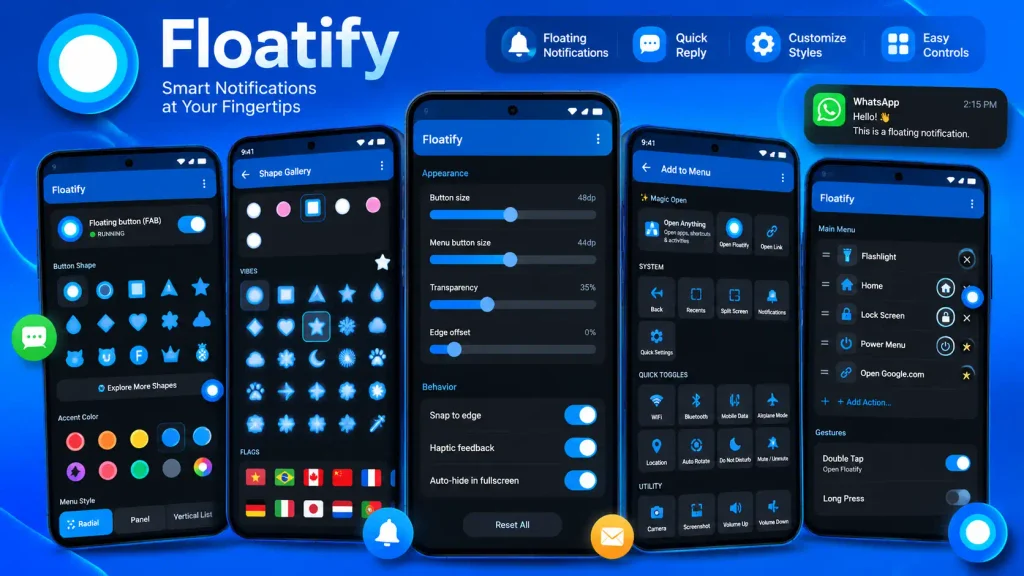
Floatify APK is an Android installation package associated with a notification utility designed to change how incoming alerts appear on the screen. Instead of checking every notification through the status bar, users may be able to view supported alerts in small pop-up windows. This can be helpful when someone sends a message while you are reading an article, watching a video, or using another application.
The way Floatify APK works depends on the version installed and the Android system running on your phone. Notification tools may require access to incoming alerts or permission to display content over other applications. These permissions allow supported functions to work, but users should understand them before proceeding. Checking compatibility and following the available setup instructions can help prevent common problems.
Main Features of Floatify APK
Floating Notifications
One of the main ideas behind Floatify APK is making incoming notifications easier to see. Floating alerts can appear in a small window over the current screen, allowing users to notice messages without immediately switching to another application. This can be useful when watching videos, reading online content, or performing other tasks on a smartphone.
Quick Message Replies
Replying to messages can be more convenient when a notification tool supports direct responses. Some notification systems allow users to answer supported messages from a pop-up instead of opening the complete messaging application. However, this function may depend on the Floatify APK version, Android compatibility, and the messaging service being used.
Notification Appearance Settings
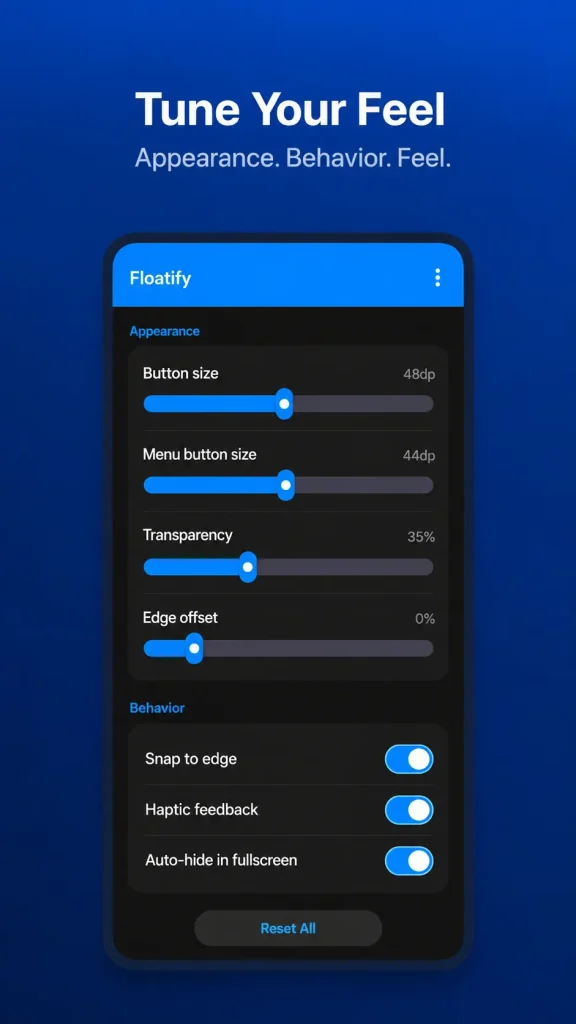
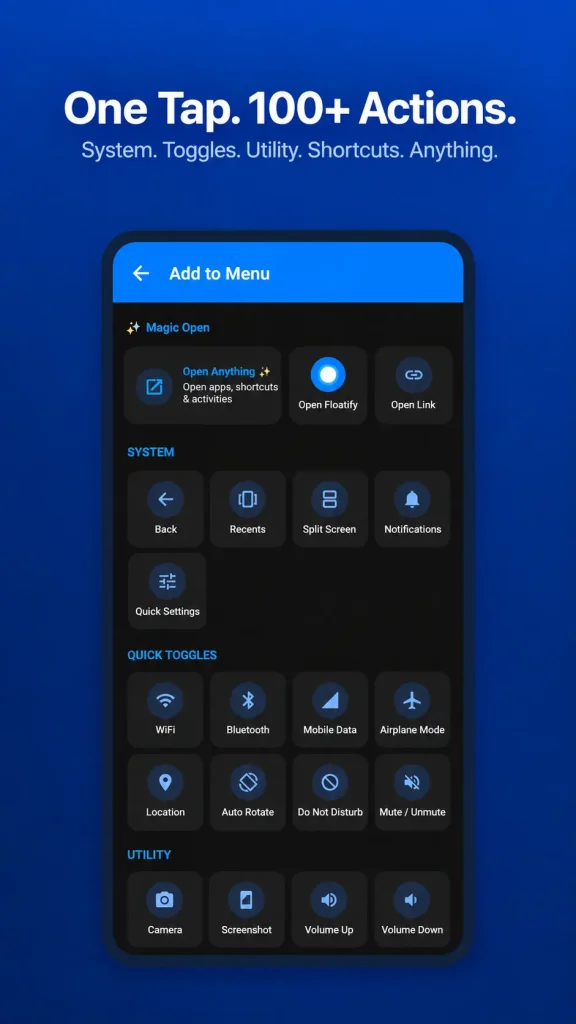
Different users prefer different notification styles. Depending on the available version, Floatify APK may provide settings that change how notifications are displayed or handled. Exploring these settings can help users understand the customization options available on their devices and choose a notification style that suits their preferences.
Convenient Multitasking
Constantly switching between applications can interrupt what you are doing on your phone. Floating notifications are designed to make incoming alerts accessible while another application remains open. This can be helpful when browsing websites, watching videos, or completing everyday tasks without repeatedly opening the notification panel.
Notification Privacy
Notifications sometimes contain personal messages and other private information. Before using Floatify APK, check whether your version provides options to control how notification content appears on the screen. Reviewing these settings is especially important if message previews might be visible to other people when your phone is unlocked or resting on a desk.
Floating Notifications and Quick Replies
Floating notifications provide another way to view incoming alerts while using a smartphone. Rather than relying only on the notification bar, supported alerts may appear in a small pop-up on the screen. For example, when a message arrives while you are reading an article, a floating notification can make it easier to notice the message without leaving the page immediately.
Quick replies can make this process even more convenient when they are supported. Instead of opening a messaging service, users may be able to send a short response directly from a notification. However, not every message or application supports this function. The available options depend on the installed version, Android system, and messaging service, so check these details before relying on quick replies.
Notification Customization Options
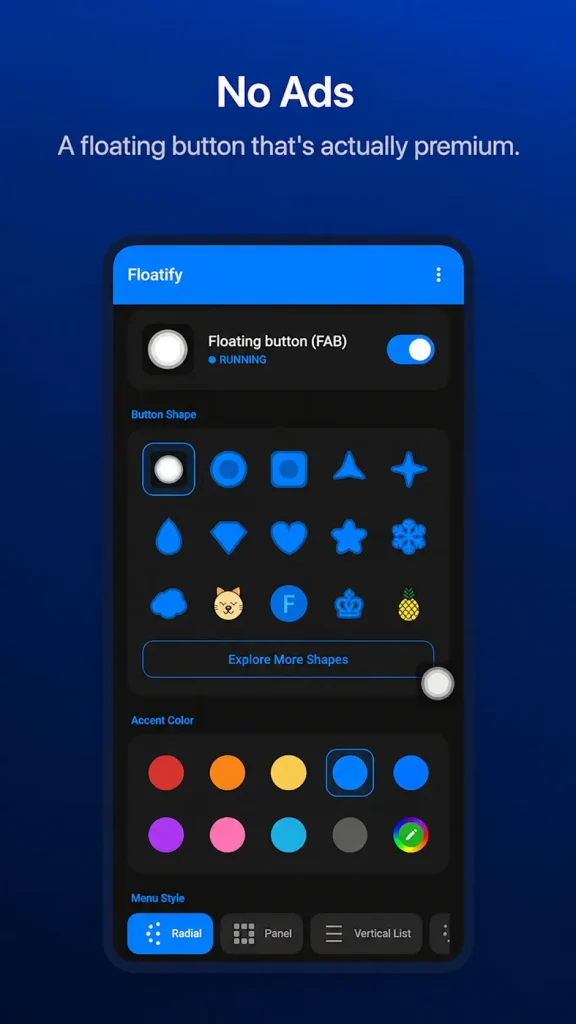
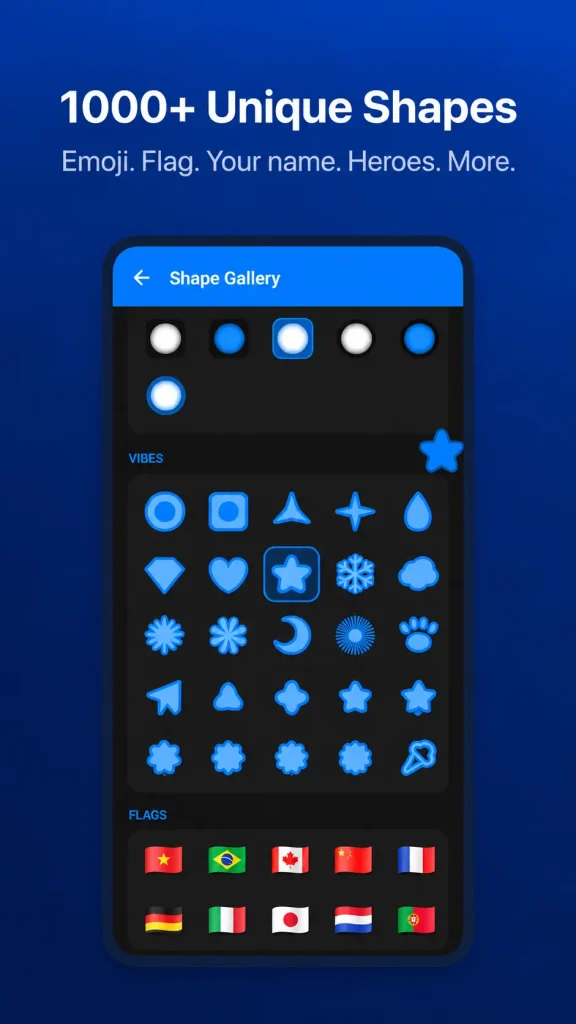
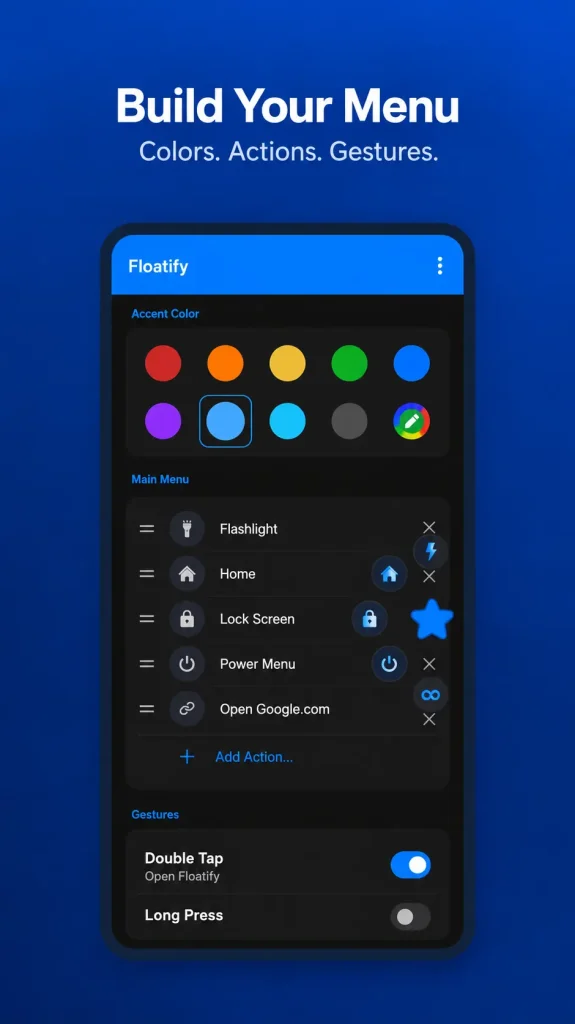
Customizing notifications can help make a smartphone easier to use. Depending on the features available, Floatify APK may allow users to manage certain notification behaviors or adjust how alerts appear. These options can be useful for people who prefer a different notification style or want to make incoming messages easier to recognize.
Before changing any settings, explore the options provided by your installed version. Some functions may not be available on every Android device, particularly if the software is older or no longer maintained. You should also review the permissions required for each function and avoid enabling access that you do not understand or need.
How to Download and Install Floatify APK
- Search for Floatify APK and check whether a reliable download source is available APKsbrain.
- Check the file details and Android version requirements before downloading.
- Download the APK file only if you trust the source.
- Open the downloaded file and follow the instructions on your phone.
- If your phone shows a security warning, check it carefully before continuing.
- Once installed, open Floatify APK and see whether it works properly on your device.
- If the file looks suspicious or cannot be verified, avoid installing it.
How to Set Up and Use Floatify APK
After installing Floatify APK, open it and review the instructions provided by the software. Depending on the version, you may need to grant notification access or allow certain types of screen display permissions for supported functions to work. Read each permission request carefully and make sure it relates to the feature you want to use.
Once the setup is complete, check the available settings and test the notification behavior using a non-sensitive message. If notifications do not appear as expected, review your phone’s notification settings and battery restrictions. Some older notification tools may not work correctly on newer Android versions, so compatibility should be considered when troubleshooting problems.
Pros and Cons of Floatify APK
Pros
- Offers an alternative way to view incoming notifications.
- Floating alerts can make multitasking more convenient.
- May reduce the need to open the notification panel repeatedly.
- May provide additional options for managing notification behavior.
- Can appeal to users who prefer pop-up notifications.
Cons
- Compatibility may vary between Android versions.
- Some functions may require sensitive notification permissions.
- Certain features may already be available in Android.
- Battery restrictions can affect background notification behavior.
- Older versions may have limited updates or technical support.
Floatify APK Safety and Privacy
Before installing Floatify APK, check its original source, developer information, and available privacy details. Notification utilities may need access to incoming alerts to display message content. Depending on the permissions granted, this information could include private conversations or other sensitive details. Only provide permissions that you understand and consider necessary for the software’s intended functions.
It is also important to keep your Android device updated and avoid installation files from unfamiliar websites. Check whether private notification previews can appear on your lock screen, especially if other people may see your phone. The safety and current compatibility of Floatify APK have not been independently verified here, so examine the specific version carefully before installing it.
Frequently Asked Questions About Floatify APK
What Is Floatify APK?
Floatify APK refers to an Android installation package associated with a notification utility designed to display incoming alerts through floating pop-up windows. Its exact functions depend on the available version.
Is Floatify APK Compatible With Every Android Device?
No. Compatibility depends on the Android version, device settings, and the particular version of the installation package. Check the requirements before installing it.
Can Floatify APK Display Floating Notifications?
Floating notifications are the main function associated with Floatify. However, their availability and behavior may vary depending on the installed version and Android compatibility.
Does Floatify APK Support Quick Replies?
Quick replies may be available for certain notifications, depending on the version and messaging service. Check the supported functions before relying on this feature.
Is Floatify APK Safe to Install?
Its safety depends on the authenticity of the installation file and the software itself. Use a trustworthy source, review the permissions, and avoid modified files from unknown websites.
Why Are Notifications Not Appearing in Floatify APK?
Notifications may not appear because notification access is disabled, battery restrictions are active, or the installed version is incompatible with your Android system. Reviewing these settings may help identify the problem.
Can I Customize Notifications With Floatify APK?
Customization options depend on the version you install. Explore the available settings to see which notification behaviors and appearance options are supported on your device.
Mod features
Extras included in this package.
- Google Calendar sync
- Custom colors and animations
- Reminder snooze options
- Home screen widgets
- Quiet hours settings
- Reminder synchronization across devices