

ZArchiver Pro APK Download Latest V1.0.10 Android Guide
ZDevs Verified
Specifications
Table of contents
About this app
Managing files on an Android device is not always easy, especially when you have ZIP, RAR, or other compressed files. Many users download files from the internet but often face problems when trying to open, extract, or organize them. To solve this issue, many people use ZArchiver Pro APK, a powerful file management and archive application for Android devices.
ZArchiver Pro APK helps users handle compressed files directly on their smartphones without needing a computer. Whether you want to extract downloaded archives, compress files to save storage, or manage folders more efficiently, the app provides all the essential tools in one place. Its fast performance and easy-to-use interface have made it one of the most popular archive management apps for Android users.

What Is ZArchiver Pro APK and What Is It Used For?
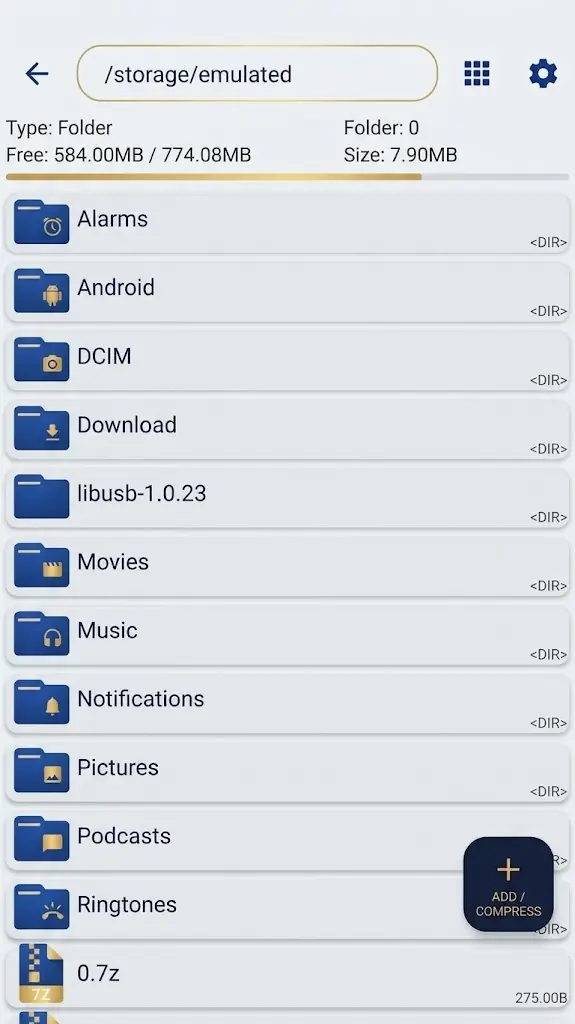
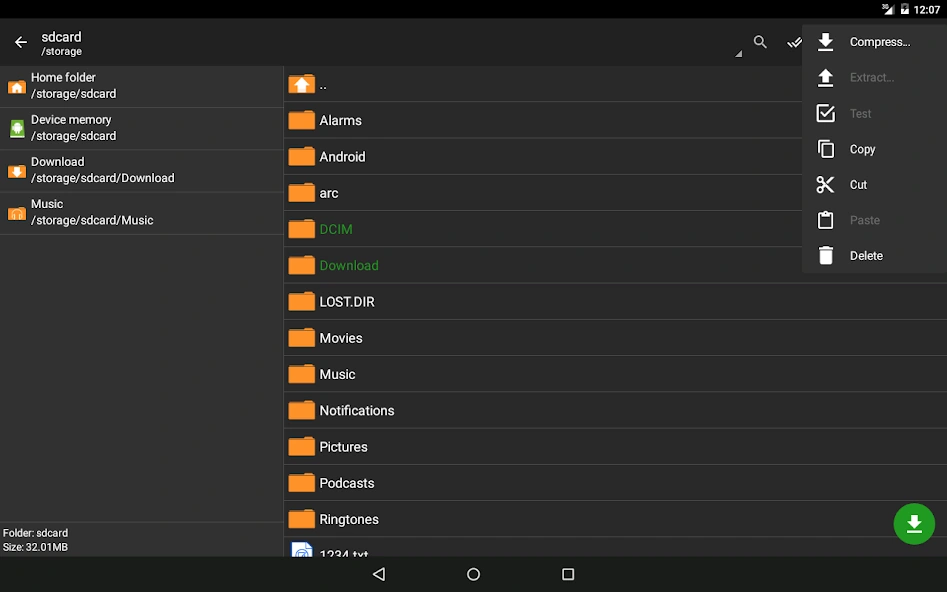
ZArchiver Pro APK is an advanced file archiving application designed to help users create, open, and manage compressed files on Android devices. The app allows you to work with different archive formats quickly and easily, making file management much more convenient. It is suitable for both beginners and experienced users because of its simple design and useful features.
The application is commonly used for extracting ZIP and RAR files, creating backups, compressing large folders, and organizing important documents. Instead of installing multiple file management tools, users can perform many different tasks inside a single app. This not only saves time but also makes everyday file handling smoother and more efficient.
Top Features That Make ZArchiver Pro APK Useful
- Storage Space Saving
- File Compression
- File Extraction
- ZIP File Support
- RAR File Support
- 7Z Archive Support
- Password-Protected Archives
- Built-in File Manager
- Fast Processing Speed
- Easy Folder Management
File Compression and Extraction Capabilities
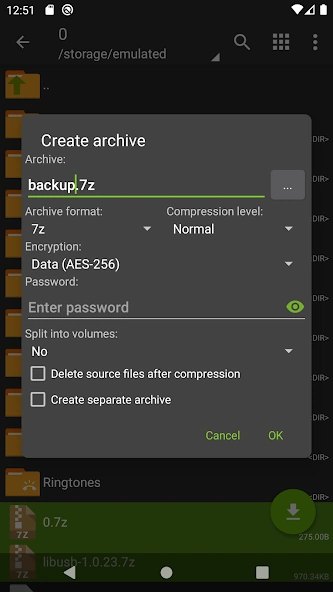
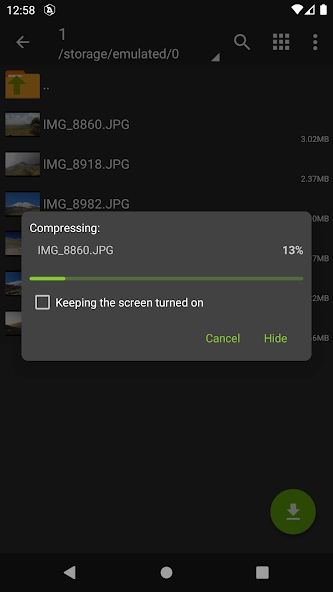
One of the most useful features of ZArchiver Pro APK is its ability to compress files and folders into a smaller size. This helps users save storage space on their Android devices and makes sharing large files much easier. Whether it is photos, videos, documents, or applications, users can combine multiple files into a single archive for better organization and management. The compression feature is especially helpful for people who regularly store or transfer large amounts of data.
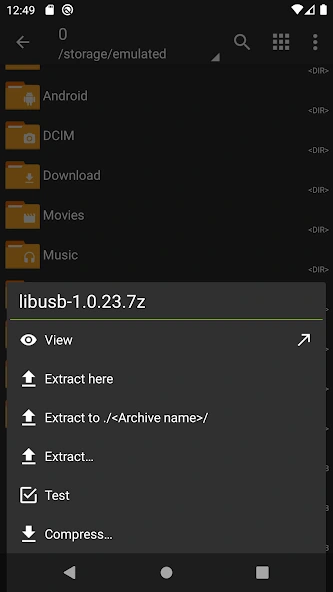
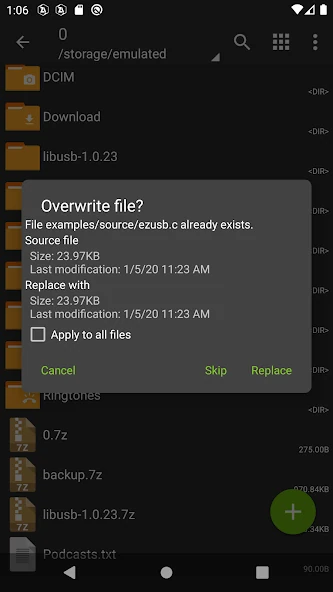
In addition to compression, ZArchiver Pro APK also provides fast and easy file extraction. Users can open ZIP, RAR, 7Z, and many other archive formats directly on their smartphones without needing extra software. Files downloaded from websites, received through email, or stored in cloud services can be extracted in just a few taps. This simple and user-friendly process makes the app a convenient solution for anyone who frequently works with compressed files on Android devices.
Supported File Formats and Archive Types
- ZIP
- RAR
- 7Z
- TAR
- ISO
- GZIP
- BZIP2
- XZ
Managing Files and Folders with ZArchiver Pro APK
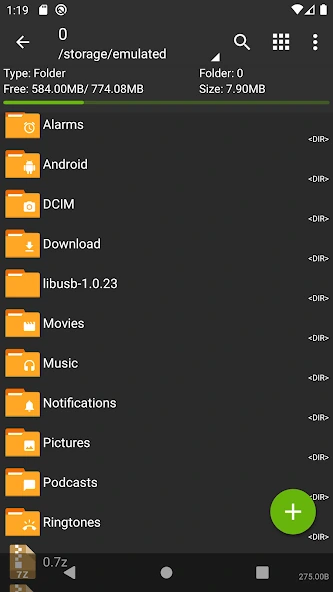
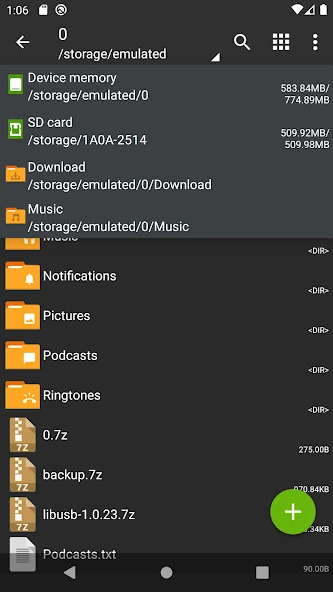
ZArchiver Pro APK is not only an archive manager but also a useful file management tool for Android users. It allows users to create new folders, rename files, copy data, move files between folders, and delete unnecessary content with ease. These features help users manage their files without needing an additional file manager application.
The app makes file organization simple and convenient. Users can arrange documents, photos, videos, and other files into separate folders for better management. This helps reduce storage clutter and makes important files easier to find whenever they are needed.
Password Protection and Encrypted Archives
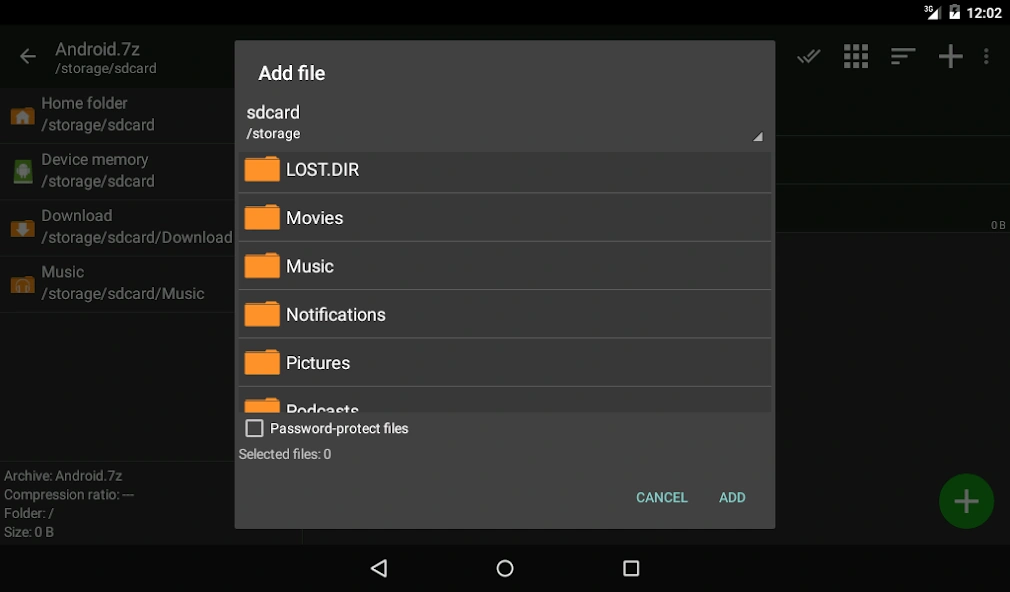
ZArchiver Pro APK provides password protection features that help keep files safe and secure. Users can create password-protected archives to prevent unauthorized access to important documents, personal photos, and sensitive data. This feature is especially useful for people who store private information on their devices.
The app also supports encrypted archives for added security. Only users with the correct password can open protected files, helping keep confidential data safe. This gives users peace of mind when storing, transferring, or sharing important files with others.
How ZArchiver Pro APK Helps Organize Android Storage
As smartphones store more photos, videos, documents, and downloaded files, keeping everything organized can become difficult. ZArchiver Pro APK helps users manage their storage by compressing large files and arranging data into folders. This makes the device cleaner and allows users to find important files more quickly without wasting time searching through cluttered storage.
The app also helps users save storage space by archiving older files and removing unnecessary data. By keeping documents, media files, and backups properly organized, users can enjoy better storage management and a smoother experience on their Android devices. Apksbrain
User Experience and Ease of Navigation
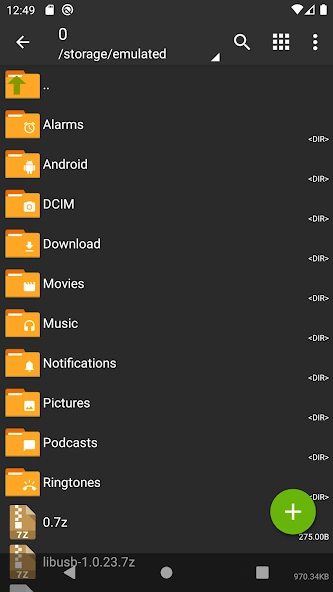
One of the biggest advantages of ZArchiver Pro APK is its simple and user-friendly interface. The app is designed for both beginners and experienced users, making file management easy for everyone. All important tools and features are clearly displayed, allowing users to access them without confusion.
Navigation is fast and smooth, enabling users to create archives, extract files, manage folders, and organize documents with just a few taps. Its lightweight design ensures reliable performance on most Android smartphones, making everyday file management simple, convenient, and efficient.
Practical Benefits for Everyday Android Users
ZArchiver Pro APK offers many practical benefits that make everyday file management easier. It helps users save storage space, organize data, extract archives, and manage files from a single application. This reduces the need for multiple tools and improves convenience.
The app is useful for students, professionals, and regular smartphone users who frequently work with downloaded files and documents. With its simple features, fast performance, and reliable functionality, ZArchiver Pro APK makes managing Android files quicker, easier, and more efficient.
Practical Benefits for Everyday Android Users
- Saves device storage space
- Makes file sharing easier
- Supports many archive formats
- Improves file organization
- Secures important files with passwords
- Simplifies backup management
- Reduces the need for multiple applications
- Provides fast and reliable performance
Conclusion
ZArchiver Pro APK is a practical and feature-rich application that makes file management much easier on Android devices. From compressing large files to extracting archives and organizing folders, the app offers a complete set of tools in one place. Its support for multiple archive formats and easy-to-use interface allows users to handle their files efficiently without needing additional applications.
For users who want a simple way to manage storage, protect important data, and keep files well organized, ZArchiver Pro APK is a great option. The app combines speed, convenience, and reliability, making everyday file management easier for students, professionals, and regular Android users. With its useful features and smooth performance, ZArchiver Pro APK remains one of the best archive management solutions available for Android devices.
Mod features
Extras included in this package.
- Light and dark themes
- Password storage
- Image preview inside archives
- Edit files directly inside archives
- Create password-protected ZIP and 7z files
- Extract multiple archive formats
- Manage APK and OBB files