
VPN.lat APK
Privacy Apps Latam Ltd. Verified
Specifications
Table of contents
About this app
Keeping an internet connection private is important for people who regularly use their smartphones to browse websites, stream content, and access online services. VPN.lat APK is an Android application that provides access to a virtual private network (VPN), allowing users to connect through a VPN server rather than relying entirely on their regular internet connection. This type of connection can help conceal the user’s usual public IP address from websites and encrypt supported traffic between the mobile device and the VPN server. For people who frequently connect to public Wi-Fi, a VPN may offer an additional layer of protection while using the internet.
What makes a VPN application worth considering is how well it performs in everyday situations. Users generally want a connection that is easy to establish, stable during browsing, and compatible with their Android devices. VPN.lat gives users a way to access VPN connectivity through a mobile application, although its available features and connection quality depend on the current version and network conditions. Before getting started, it is important to check the app’s privacy policy, understand how user information may be handled, and download the application from a reliable source. Taking these steps helps users make an informed decision about whether VPN.lat is the right choice for their online activities.

What is VPN.lat APK?
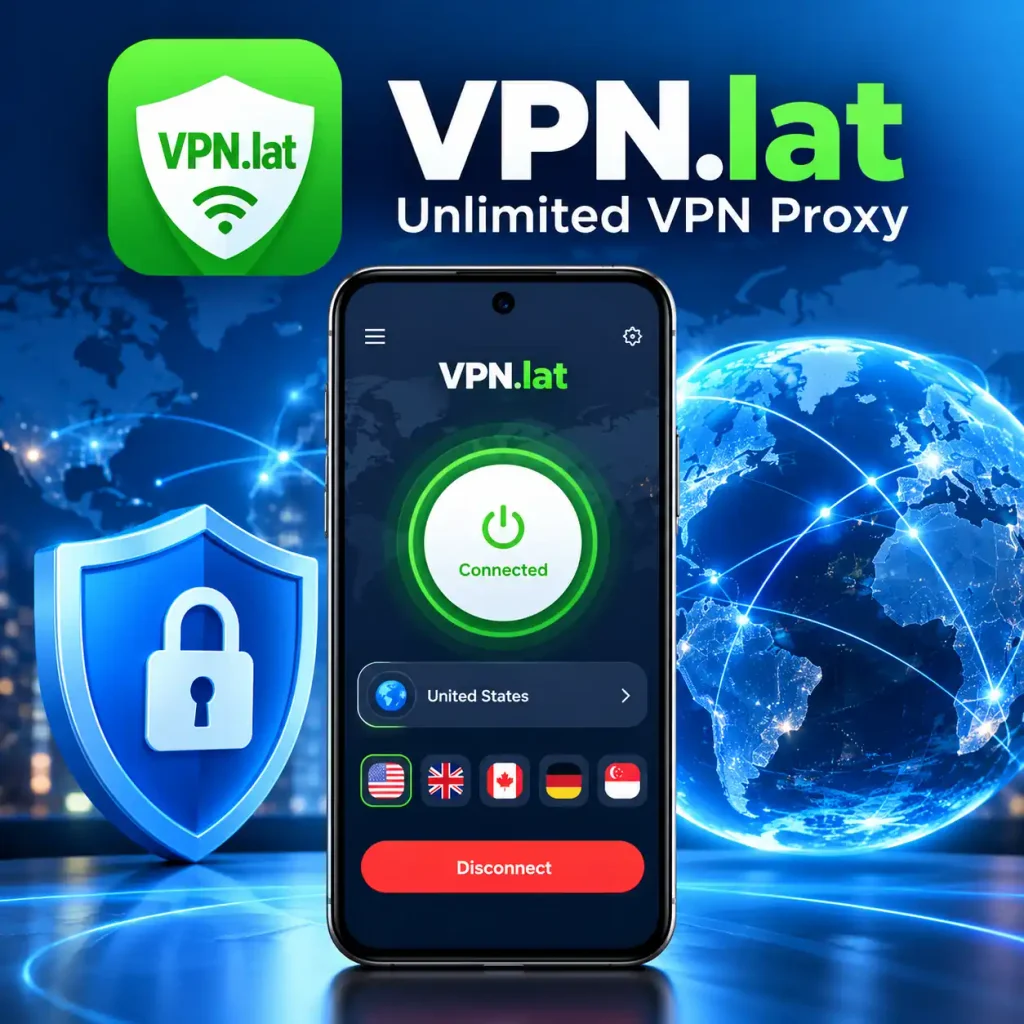
VPN.lat APK is an Android application that allows users to connect to the internet through a virtual private network (VPN). It is designed for people who want an additional layer of privacy while browsing websites, using online services, or connecting to public Wi-Fi networks. By routing supported internet traffic through a VPN server, the application can help hide the user’s usual public IP address from the websites they visit. The available server locations, connection options, and performance depend on the app’s current version and service.
For Android users, VPN.lat APK offers a way to access VPN connectivity directly from a smartphone. A VPN connection can encrypt supported traffic between the device and the VPN server, helping protect that traffic from being viewed by others on the same local network. However, it does not guarantee complete anonymity or protect against every online threat. Before installing the application, users should review its privacy policy, check the permissions it requests, and download it from a trustworthy source. Understanding these details helps users decide whether VPN.lat APK is suitable for their everyday internet needs.
Features of VPN.lat APK
VPN.lat APK is designed for Android users who want to access the internet through a virtual private network. Its features can help users manage their VPN connections and add a layer of privacy to their online activities. The overall experience depends on the application’s available options, server performance, and current version.
VPN Connection
A VPN connection allows users to route supported internet traffic through a remote server instead of connecting directly through their regular internet connection. VPN.lat provides VPN connectivity for Android devices, allowing users to establish a connection through the options available in the app. A properly configured VPN can also encrypt supported traffic between the device and the VPN server.
Server Locations
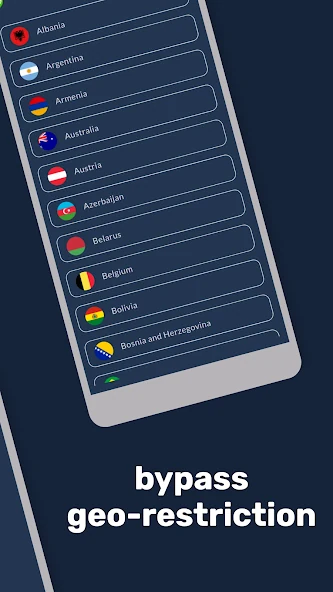
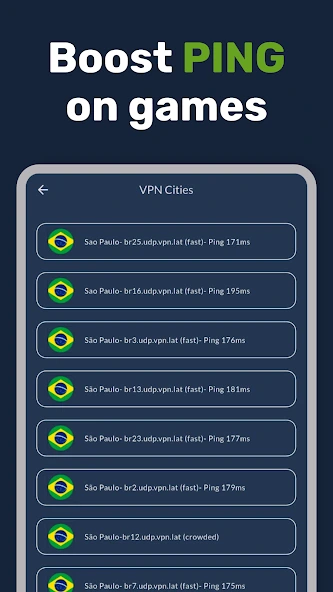
Server locations are an important consideration when choosing a VPN application. Different servers may provide different IP addresses, which can affect how websites identify a user’s internet connection. If multiple locations are available in VPN.lat, users can choose from the options provided by the application. Connection speed and reliability may vary depending on the selected server and network conditions.
Mobile Accessibility
Using a VPN on a smartphone should be convenient, especially for people who browse the internet throughout the day. VPN.lat is designed for Android devices, allowing users to access its VPN connection features directly from their phones. The installation process, device compatibility, and available options depend on the app’s current requirements.
Connection Management
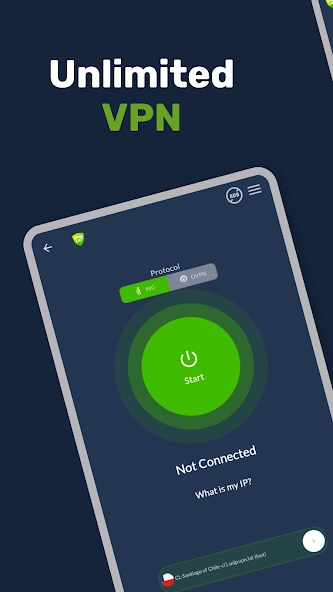
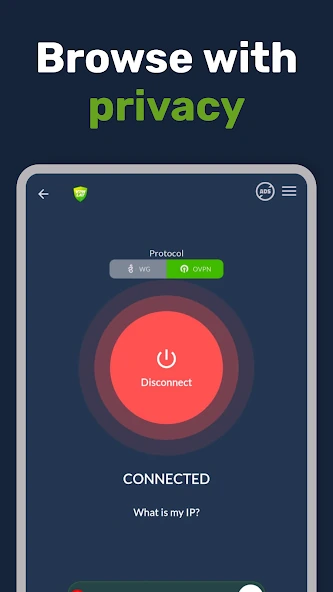
Managing a VPN connection involves starting the connection, checking its status, and disconnecting when necessary. VPN.lat users should follow the instructions displayed in the application to establish a connection successfully. The available controls may differ depending on the installed version, Android settings, and connection options supported by the app.
Online Privacy
Privacy is one of the main reasons people choose to use a VPN. When configured correctly, a VPN can encrypt supported traffic between a user’s device and the VPN server, providing additional protection on shared networks. However, VPN.lat should not be considered a guarantee of complete anonymity because websites may still collect information through cookies, account activity, and other tracking methods.
Internet Connection Performance
Internet speed can influence the overall experience when using a VPN application. Factors such as server distance, network congestion, and the quality of the user’s original internet connection can affect performance. Users should test their connection under normal browsing conditions to determine whether VPN.lat meets their needs.
App Compatibility
Compatibility is another important factor when installing a VPN application. Android users should check whether their device and operating system meet the application’s current requirements. Installing an up-to-date version from a trustworthy source can help reduce compatibility issues and avoid potentially modified APK files.
How VPN.lat APK Protects Your Internet Connection?
When you open a website on your phone, your internet connection exchanges information with the website’s servers. Your public IP address can reveal information about your internet connection and approximate location. VPN.lat APK is designed to provide VPN connectivity on Android devices, allowing supported internet traffic to pass through a remote VPN server instead of going directly from your device to its destination. This changes how your connection appears to websites, which may see the VPN server’s public IP address rather than your usual one.
Once a VPN connection is established, supported internet traffic travels through an encrypted tunnel between your Android device and the VPN server. This encryption can make it more difficult for other people on the same public Wi-Fi network to inspect your traffic. For example, if you connect to Wi-Fi at a café, a properly configured VPN can provide an additional layer of protection while you browse websites or use online services. Your connection speed may vary depending on the selected server, network congestion, and the quality of your internet connection.
After connecting to VPN.lat, you can continue using compatible apps and browsing websites as usual. However, a VPN does not make you completely anonymous or protect you from every online threat. Websites may still recognize you through account logins, cookies, and other tracking technologies, while malicious links can remain dangerous. For a safer experience, use a VPN alongside strong passwords, updated software, and careful browsing habits. Before relying on VPN.lat for everyday privacy, review its current features and privacy policy to understand how the service handles your connection and personal information.
How to Download and Install VPN.lat APK?
- Keep the App Updated: Check for updates through a trusted source APKsbrain to help maintain compatibility and security on your Android device.
- Search for VPN.lat: Open the Google Play Store on your Android phone and type VPN.lat in the search bar to find the application.
- Check App Details: Read the app description and check the developer information to make sure you have selected the correct application.
- Download the App: Tap the Install button and wait until the application has finished downloading and installing on your phone.
- Open VPN.lat: Find the application icon on your home screen or in your app menu and tap it to get started.
- Allow VPN Permission: If Android displays a VPN connection request, read the message and approve it if you want to continue.
- Choose a Server: If the application offers different server locations, select one according to your needs.
- Connect to the VPN: Follow the on-screen instructions and tap the connection button to establish a VPN connection.
- Check Your Connection: Once connected, open your browser and check whether websites load correctly. If the connection fails, check your internet access and try reconnecting.
Benefits and Drawbacks of VPN.lat APK
| Benefits | Drawbacks |
|---|---|
| Helps hide your usual public IP address from websites when connected to a VPN server. | Internet speed may decrease depending on server distance and network conditions. |
| Can encrypt supported internet traffic between your device and the VPN server. | Connection quality may vary depending on server availability and network congestion. |
| Provides convenient VPN access through an Android application. | The provider may collect certain information, depending on its privacy policy. |
| Offers an additional layer of privacy when browsing on shared networks. | Does not automatically protect against malware, phishing, or every tracking method. |
| Can make VPN connections easier to manage on compatible Android devices. | Some websites and online services may restrict VPN connections. |
Safety and Privacy Features of VPN.lat APK
Online privacy deserves careful attention whenever an application handles internet connections. A VPN can encrypt supported traffic between a device and a VPN server, but users should also understand what happens to their information when it reaches the service provider.
Before using VPN.lat, take a moment to review its privacy policy. Look for information about connection logs, device identifiers, diagnostic data, usage information, and whether personal information is shared with third parties. These details can help you understand the provider’s approach to handling user data.
Another useful step is to examine the permissions requested by the application. Permission to establish a VPN connection is necessary for this type of service, but other permissions should be assessed according to their stated purpose. If a permission appears unrelated to the app’s functionality, investigate why it is being requested before approving it.
Downloading the application from a reliable source is equally important. Unofficial or modified APK files may contain unwanted software or behave differently from the original application. Keeping your Android device and installed applications updated can also help reduce avoidable security risks.
For stronger online protection, combine VPN use with secure passwords, two-factor authentication, updated software, and careful browsing habits. Avoid opening suspicious links or downloading files from unfamiliar sources, even when a VPN connection is active.
Ultimately, a VPN can improve privacy in certain situations, but no VPN should automatically be considered completely anonymous or entirely risk-free. Users should make their decision after reviewing the provider’s privacy practices and understanding the protection the service actually offers.
Help & FAQs
Frequently Asked Questions About VPN.lat APK
1. What is VPN.lat APK used for?
VPN.lat APK is an Android application that provides VPN connectivity. It allows users to route supported internet traffic through a VPN server for an additional layer of connection privacy.
2. Can VPN.lat APK work with mobile data?
A VPN application can generally work with mobile data or Wi-Fi when an internet connection is available. Actual performance depends on network conditions and the application’s compatibility.
3. Does VPN.lat APK help protect public Wi-Fi connections?
A properly configured VPN can encrypt supported traffic between your device and the VPN server. This provides an additional layer of protection when using public Wi-Fi, but it does not guarantee complete security.
4. Why does VPN.lat APK sometimes disconnect?
Connection problems may occur because of unstable internet access, server issues, or device settings. Check your internet connection and try reconnecting to resolve the problem.
5. Is VPN.lat APK suitable for everyday browsing?
VPN.lat may be useful for people who want VPN connectivity while browsing websites or using online services. Review its privacy policy and connection performance before using it regularly.
Conclusion
VPN.lat APK is an option for Android users who want to use a VPN while browsing the internet. It allows users to connect through available VPN servers and adds an extra layer of privacy to their internet connection. Whether you use mobile data or Wi-Fi, the app may help you manage your connection according to your needs. However, your experience can vary depending on your internet speed, server availability, and device compatibility. Before installing the application, check its features, review the permissions it requests, and make sure you download it from a trustworthy source.
VPN.lat APK may be useful for people looking for a straightforward VPN application for everyday browsing. However, using a VPN does not guarantee complete online security or make all internet activities anonymous. You should still avoid suspicious websites, protect your passwords, and keep your personal information private. Take time to review the app’s privacy policy and test its connection quality before using it regularly. By understanding both its benefits and limitations, you can decide whether VPN.lat APK is the right choice for your internet browsing needs.